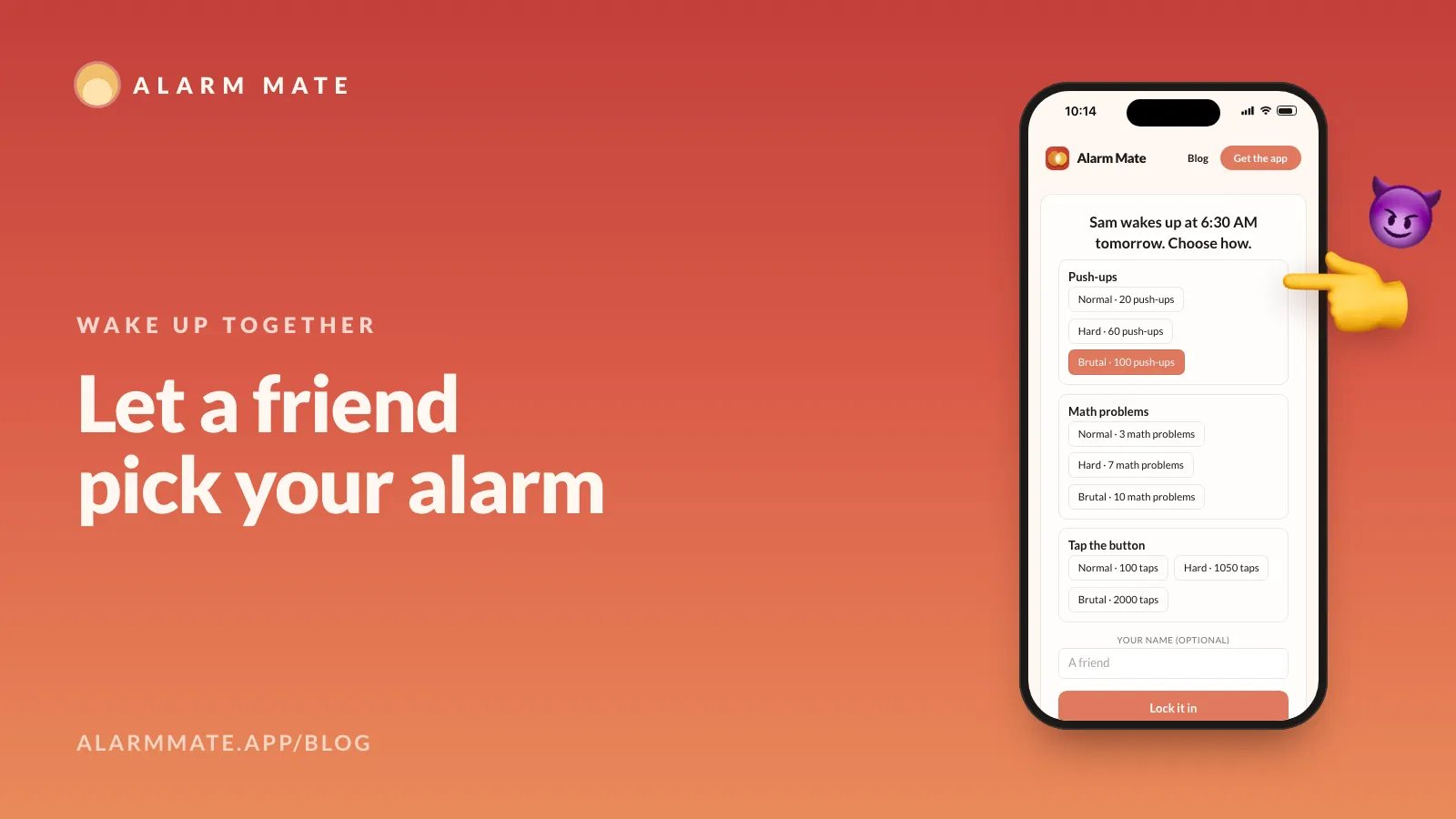
Let a friend pick your alarm (they'll choose 100 push-ups)
Share a link and a friend picks your wake-up mission and how hard: Normal, Hard or Brutal. They don't need the app. You find out when it rings.
Key takeaways
- Tap Let a friend pick, then One friend picks, and send the link. Your friend needs no app and no account.
- They choose only from the missions you selected for that alarm, at Normal, Hard or Brutal. Brutal push-ups is 100.
- Picks close 10 minutes before the alarm. You see the pick only when it rings, and if nobody picks, your own setup runs.
- It works on Solo, Match and Friends alarms, not community alarms, and every mission is free.
On this page 8 sections
You can hand your wake-up to a friend: share a link, and they choose which of your missions you’ll do and how hard it is, Normal, Hard or Brutal. You only find out when the alarm rings. Alarm Mate is an iPhone alarm app with this built in, and your friend doesn’t need the app.
Ulysses wanted to hear the Sirens without steering his ship into the rocks, so he had his crew tie him to the mast. That move has a name, a Ulysses pact: “a freely made decision that is designed and intended to bind oneself in the future.”

You’re about to make one too. The difference is your crew: Ayşe, who thinks Brutal push-ups at 6:30 AM is the funniest thing that could happen to you.
This is one of the features that make Alarm Mate a social alarm. Here’s how it works, and why it’s so effective against the part of you that wants to stay in bed.
How it works in 30 seconds
Three taps on your side:
- Open one of your alarms and tap “Let a friend pick”.
- Choose “One friend picks”.
- Send the link however you like: text, WhatsApp, a group chat you’ll regret.
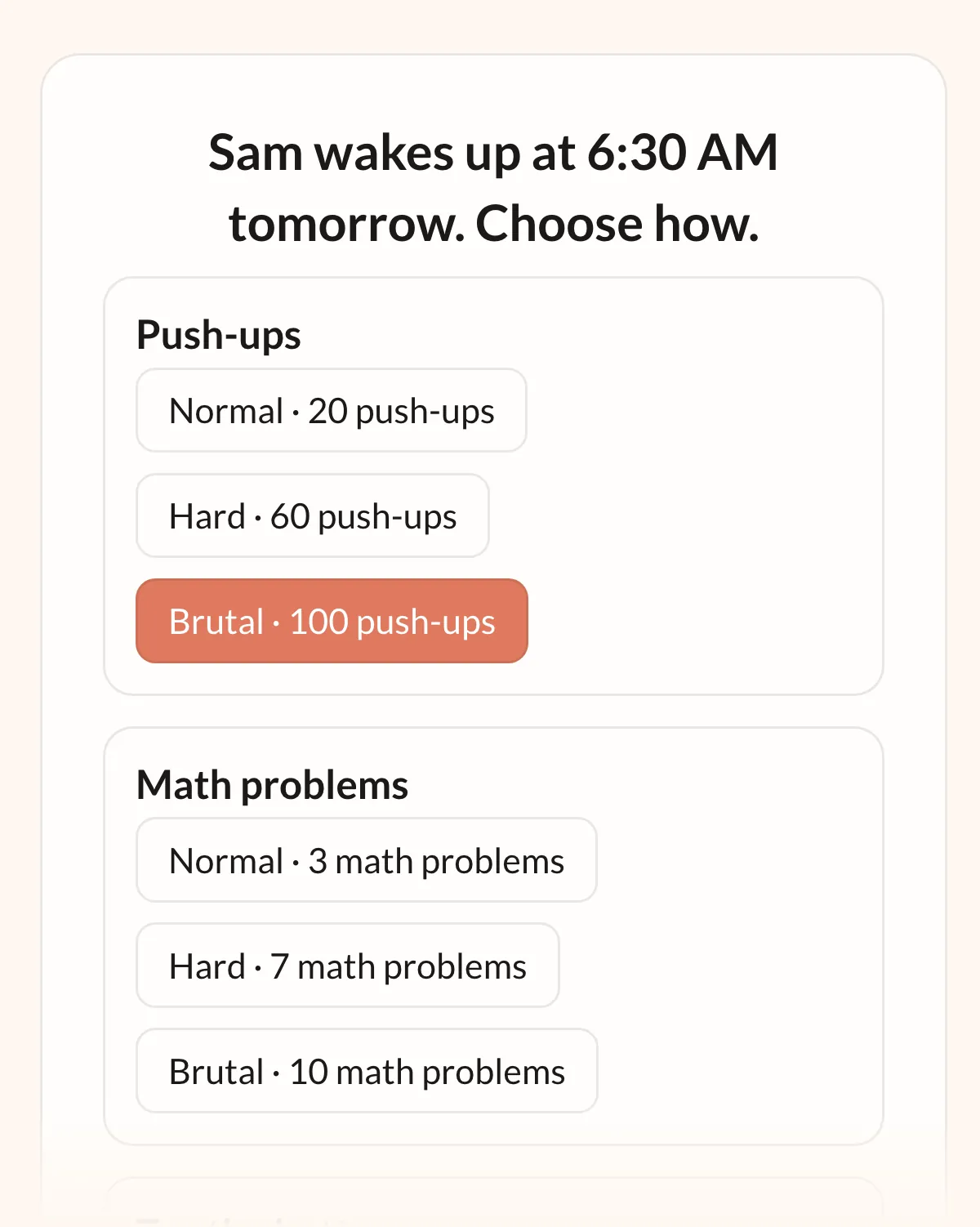
Your friend opens it in a browser, with no download and no account. The page says “Sam wakes up at 6:30 AM tomorrow. Choose how.” (with your name and time, of course).
They tap a mission, tap a level, and hit “Lock it in”.
On your side, the alarm shows “Waiting for your friend’s pick” until they choose. Once they lock it in, it changes to something like “Sealed by Ayşe”, and from then on it’s final. Until then, you can cancel the link.
You choose the menu, they choose the meal
Your friend can only pick from the missions you already selected for that alarm. The sheet says it in one line: “They choose the task and how hard, from your list.”
That’s your safety valve. If your shoulder hurts, leave Push-Ups off. If you know you’ll be groggy, stick to missions like Tap the Button or Math Problems.
Normal, Hard, Brutal
Each mission on the page comes with up to three levels:
- Normal is the setting you chose yourself.
- Brutal is the maximum the mission allows.
- Hard sits halfway between the two, rounded to the mission’s step. If your push-ups are set to 20, Hard is 60 and Brutal is 100.
So yes, the title is a joke with a condition attached: you get 100 push-ups only if Push-Ups is on your list and your friend picks Brutal. Your friend will pick Brutal.

Here’s what Brutal means for each mission that has a number:
| Mission | Brutal |
|---|---|
| Push-Ups | 100 push-ups |
| Squats | 100 squats |
| One-Leg Balance | 60 seconds |
| Math Problems | 10 problems |
| Typing | 10 sentences |
| Tap the Button | 2,000 taps |
| Tap the Color | 100 taps |
| Swipe Arrows | 300 swipes |
| Shake Your Phone | 1,000 shakes |
| Object Hunt | 5 objects |
| Walk Away from Bed | Beast: 5 metres, then stay there for 60 seconds |
Missions without a number, like Sky Photo or Selfie, have just one level. Your friend picks a level, not a free number, so nobody can type in 400 squats.
The reveal
Picks close 10 minutes before the alarm. If you try to set up a link later than that, the app tells you “Too close to the alarm”.
When your friend locks in a pick, you get a push notification: ”😈 Fate sealed”. That’s all it tells you: something has been decided, but not what. Sleep well.
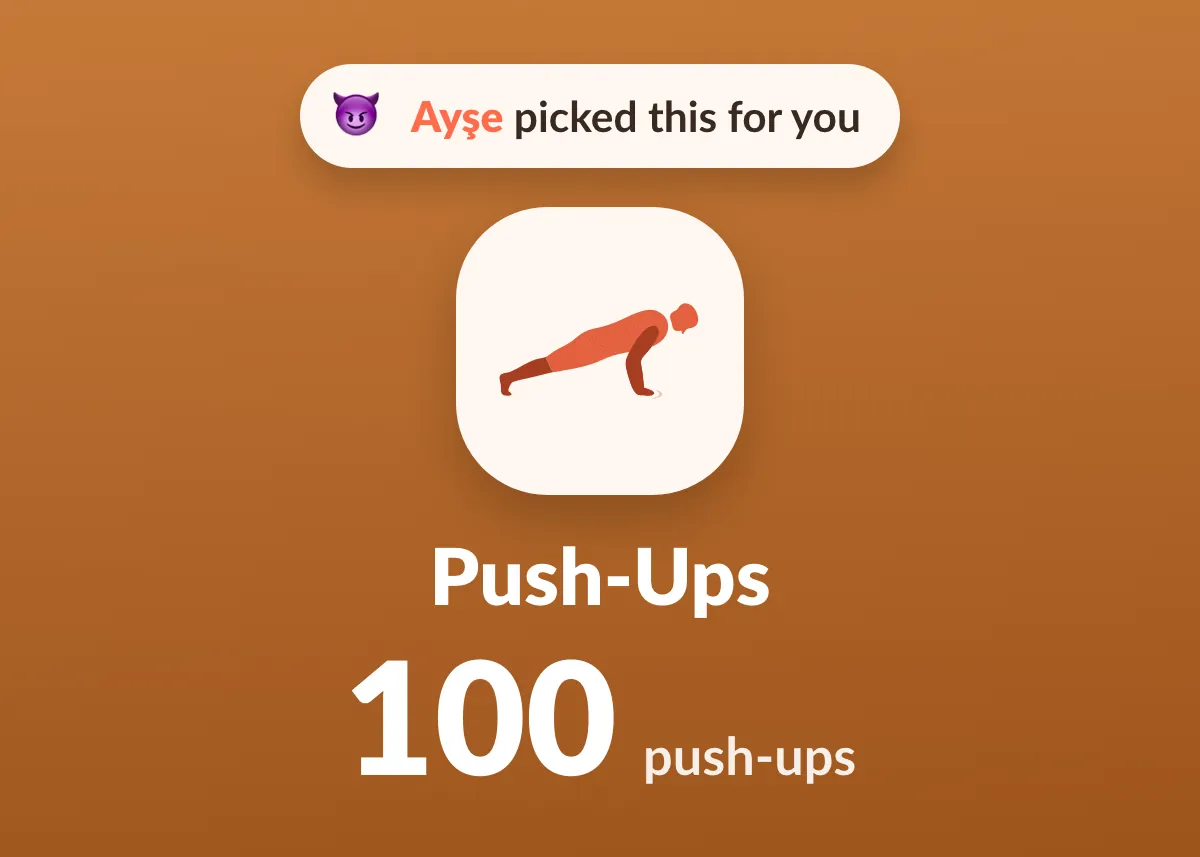
Then the alarm rings. The app asks “What did Ayşe pick for your alarm last night?”, shows it (“Ayşe picked this for you”), and the mission starts.
If nobody picks before the link closes, nothing changes. Your alarm runs the way you set it up, as if you never sent the link.
Why handing it over works
Economists call this a commitment device: something you set up now that makes it harder for your future self to back out. Bryan, Karlan and Nelson reviewed the research on these in 2010 (Annual Review of Economics). Sending the link is the commitment; your friend is the device.
Other alarm apps let friends in around the edges: they can choose your ringtone, record a voice message, or get a notification when you hit snooze. We looked, and we couldn’t find another app where a friend chooses what you have to do and how hard, with you not finding out until it rings.
That gap is the whole feature. A friend who picks your ringtone decides how you’re annoyed. A friend who picks Brutal decides what your first ten minutes look like.
There’s a second reason, and it comes from people who use mission alarms every day. One Reddit user described it perfectly:
“Every time I think I’ve found the perfect option… give it a week and suddenly my half-conscious brain out of the blue rejects it. It’s as if I get ‘used’ to it quickly.”
Your brain can get used to a mission. It can’t get used to a friend who changes their mind every night.
Make it a thing
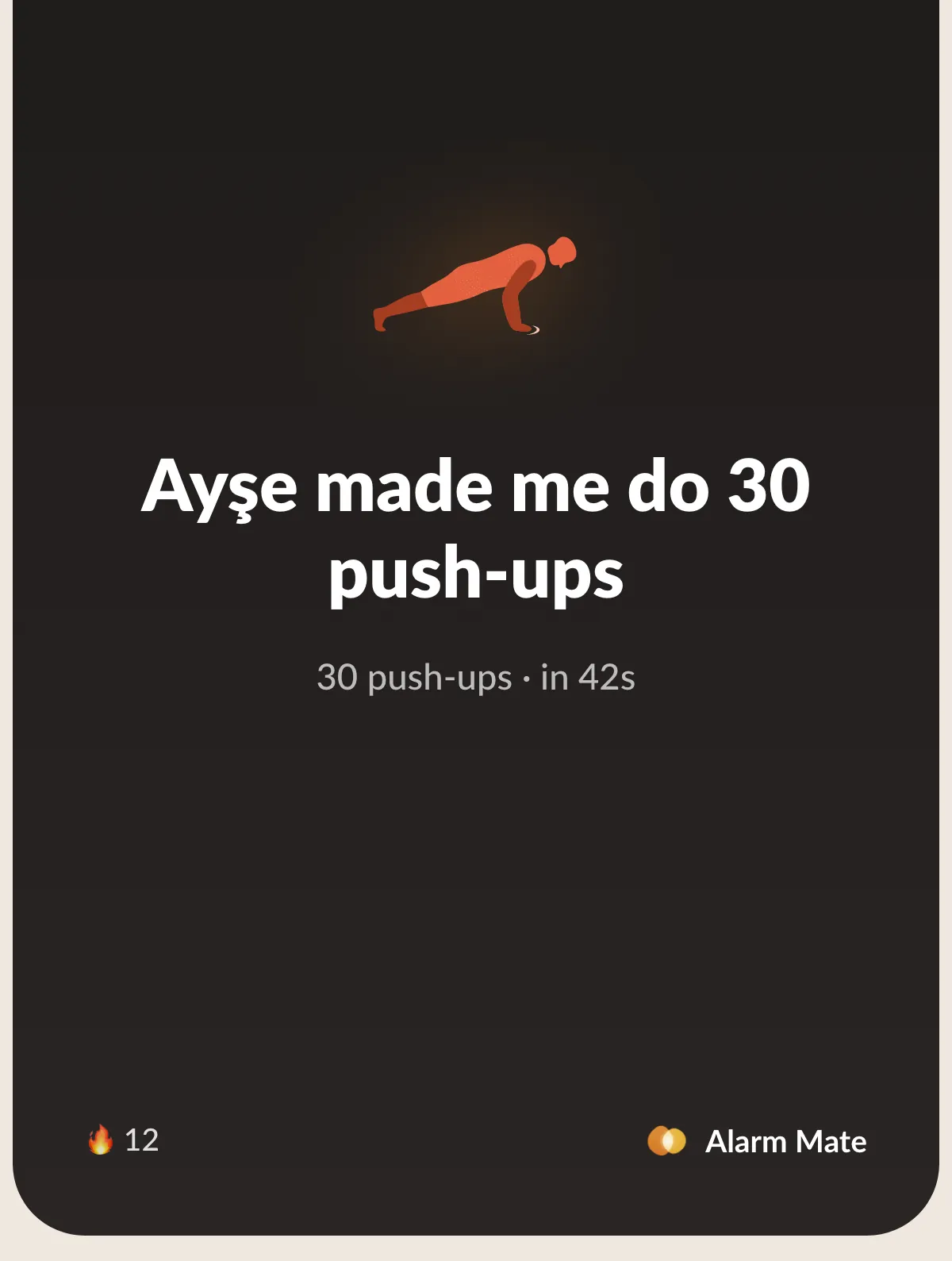
After the mission, you get a shareable card with lines like “Ayşe made me do 30 push-ups”. Post it to the Mornings feed, send it to Ayşe as a receipt, or share it anywhere. More on the feed in BeReal for mornings.
And the pick page has a footer for your friend: “Want them to choose yours? Get Alarm Mate.” Revenge is the best onboarding we’ve ever written.
Want more than one friend deciding?
Pick “Let people vote” on the same sheet and share the link with a crowd. That’s a different kind of fun, covered in let your followers vote on how you wake up.
One more thing so the two don’t get mixed up: if you have a matched buddy, they can also choose your mission inside the app. That’s a separate feature, and it’s part of the buddy morning.
Your friend needs nothing; you need an iPhone with iOS 26 or later and Alarm Mate from the App Store. Every mission is free.
FAQ
Does my friend need the app?
No. The link opens in any browser, and they don’t need an account.
Can they pick something I didn’t choose?
No. They only see the missions you selected for that alarm, with Normal, Hard and Brutal levels.
What if nobody picks?
Then nothing changes. Your alarm runs with your own setup.
Can my friend change their mind after locking it in?
No. Once they tap “Lock it in”, the pick is sealed. The link stops taking picks 10 minutes before the alarm, and its data is deleted 7 days after that.
Sources
- Wikipedia, Ulysses pact
- Bryan, G., Karlan, D. and Nelson, S. (2010), “Commitment Devices”, Annual Review of Economics 2: 671-698
- Reddit, r/adhdwomen, “Has anyone found an alarm clock that actually wakes you up?”
Related posts
Like Tinder, but for your alarm (not for dating)
Set an alarm and get matched 1-on-1 with someone whose alarm rings the same minute. It borrows the match screen from dating apps, and nothing else.
Body doubling for mornings: how it works for waking up
Body doubling means doing a task while someone is present. It helps with getting out of bed too. What the research says, and how to set one up.
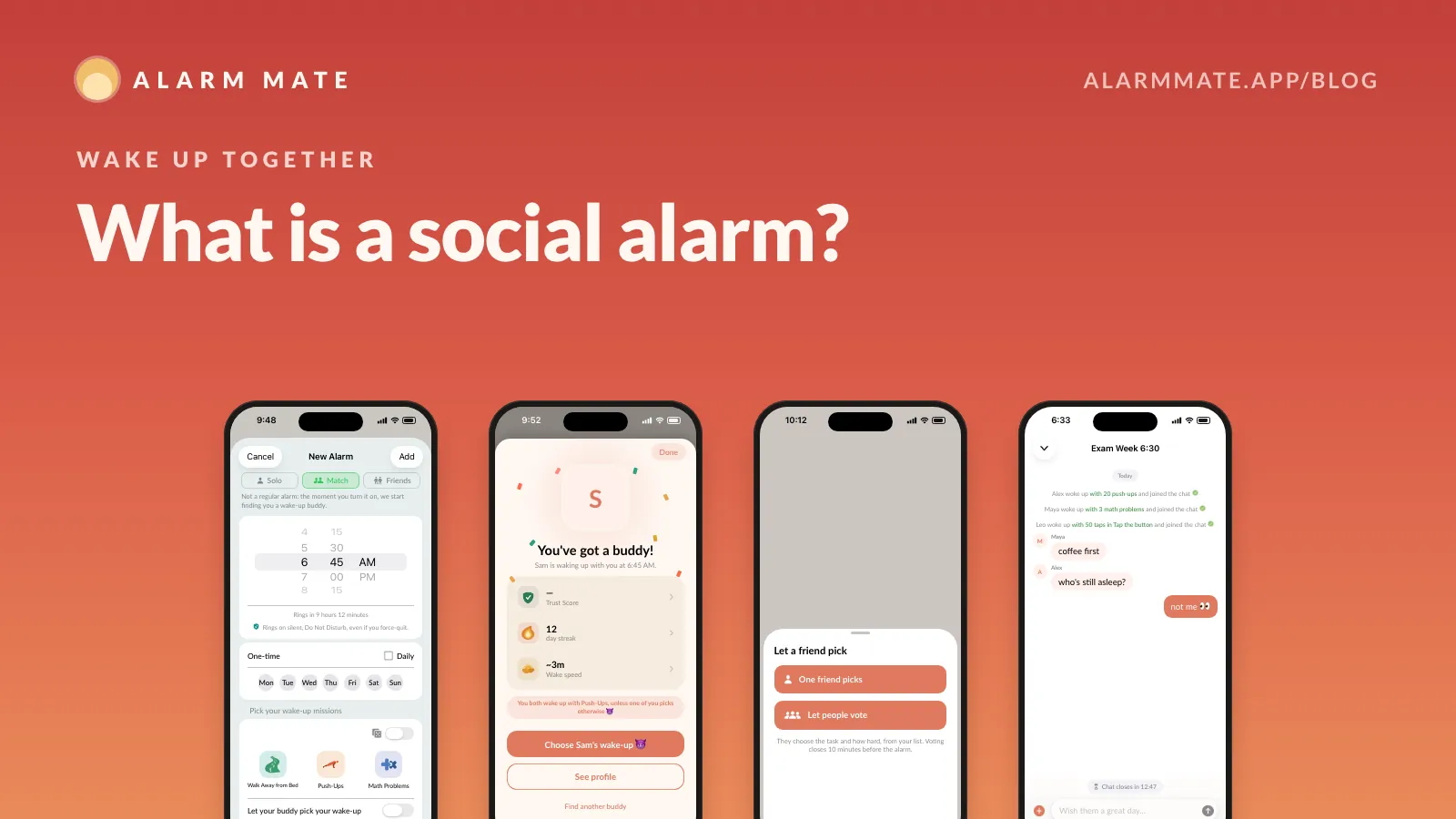
What is a social alarm? Why we built the first one
A social alarm wakes you up with other people: a buddy at the same minute, friends who pick your mission, groups that ring together. How it works.
Tomorrow morning, don't do it alone.
Alarm Mate is on the App Store for iPhone. Solo alarms are free, and so is every mission.