Let your followers vote on how you wake up
Post one link, let your audience vote on your wake-up mission and difficulty, then film the reveal when the alarm rings. The format, step by step.
Key takeaways
- Tap Let a friend pick, then Let people vote, and share one link. Voters need only a browser, no app and no account.
- The most-voted mission wins, then the most-voted level within it. Ties are broken at random, one vote per browser.
- Voting closes 10 minutes before the alarm, or sooner with Lock now, and you see the winner only when it rings.
- Your phone is busy being the alarm, so film the reveal with a second camera.
On this page 7 sections
Post a link, let your followers vote on which mission wakes you up and how hard it is, and your alarm makes you do the winner. Voting closes 10 minutes before the alarm, and you find out what won when it rings. Alarm Mate is the iPhone alarm app that runs these votes; voters don’t need the app.
In February 2014, someone hooked a copy of Pokémon Red up to a Twitch chat and let the chat press the buttons. Twitch Plays Pokémon pulled in over 1.16 million participants. When the chaos got too much, the stream added “democracy mode”: the chat voted, and the most popular command ran.
This is Twitch Plays Your Morning, permanently in democracy mode. It’s the crowd version of a feature we built for one friend at a time, and it’s part of what makes Alarm Mate a social alarm.
The format in one paragraph
Tonight you post a link and your audience votes on the mission and the difficulty. Tomorrow the alarm rings, you film yourself finding out what they chose, you do it, and you post the result. It works as content because your audience wrote the plot, so they come back to see how it ends.
Setting it up
It takes three taps and one post:
- Open one of your alarms and tap “Let a friend pick”.
- Choose “Let people vote”.
- Share the link wherever your people are: a story, your bio, a pinned comment.
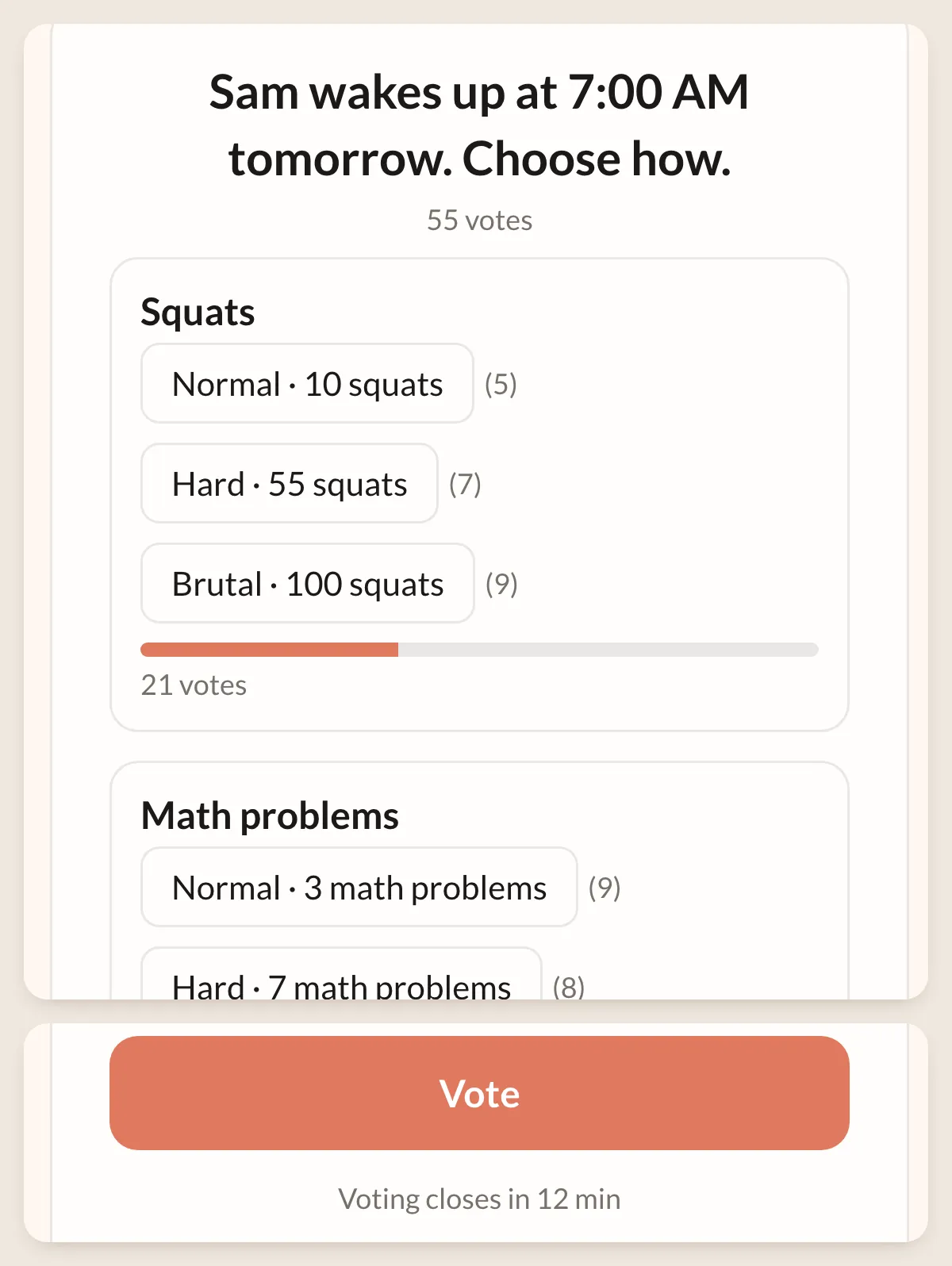
Voters open it in a browser, no app and no account. They see the missions you selected for that alarm, pick one, pick a level (Normal, Hard or Brutal) and tap “Vote”.
The page shows live counts, and as the deadline gets close, a line like “Voting closes in less than a minute”.
The levels, and what Brutal means for each mission, are explained in the one-friend version: let a friend pick your alarm. Same mechanics, smaller audience, more personal cruelty.
How the votes are counted
- The mission with the most votes wins. Then, within that mission, the level with the most votes wins.
- Ties are broken at random. Nobody gets to argue about it later.
- Each browser gets one vote, and there’s no cap on voters. Worth knowing if you have that one follower with three laptops. Treat it as a game, not an election.
- Voting closes 10 minutes before the alarm. Want to end it sooner? Tap “Lock now” on the alarm and the vote is sealed early.
- The link doesn’t live forever. Its data is deleted 7 days after voting closes, so last month’s poll isn’t lying around.
When it closes, the page announces the result in one line, for example: “Squats won. Most of you said Brutal. 55 votes.” Here’s the kind of split that produces it (numbers made up for illustration):
| Mission | Votes |
|---|---|
| Squats | 21 |
| Math Problems | 20 |
| Sky Photo | 10 |
| Swipe Arrows | 4 |
Squats wins by a single vote, and the person who cast it will never let you forget it.
The morning: the reveal
When the vote is sealed, you get a push notification: ”😈 43 people decided how you wake up”. It tells you how many voted, not what they chose.
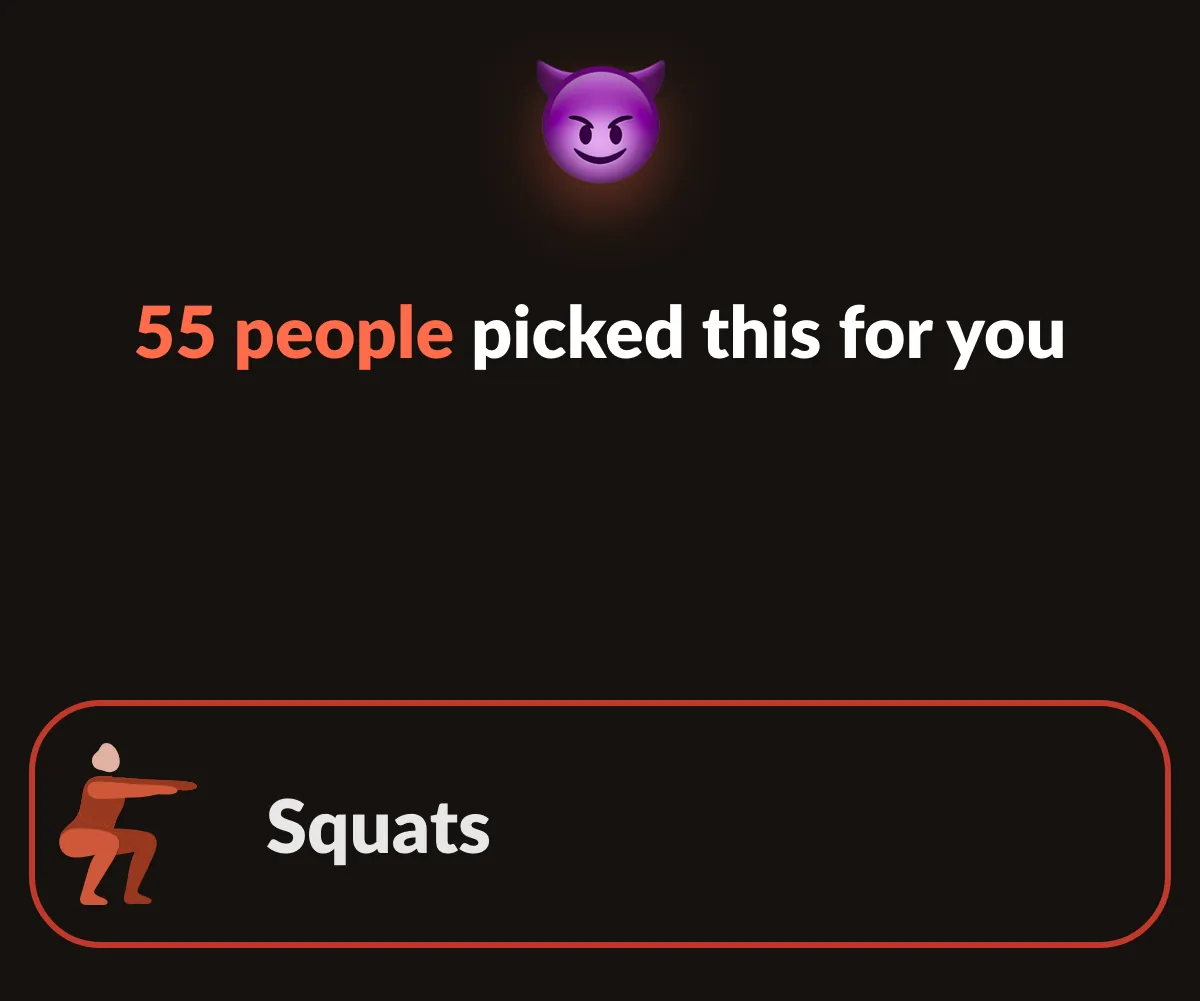
Then the alarm rings. The app shows how many people picked, reveals the winner, and the mission starts.
How to film the reveal
Your phone is busy being the alarm, so it can’t also be the camera. A few things that work:
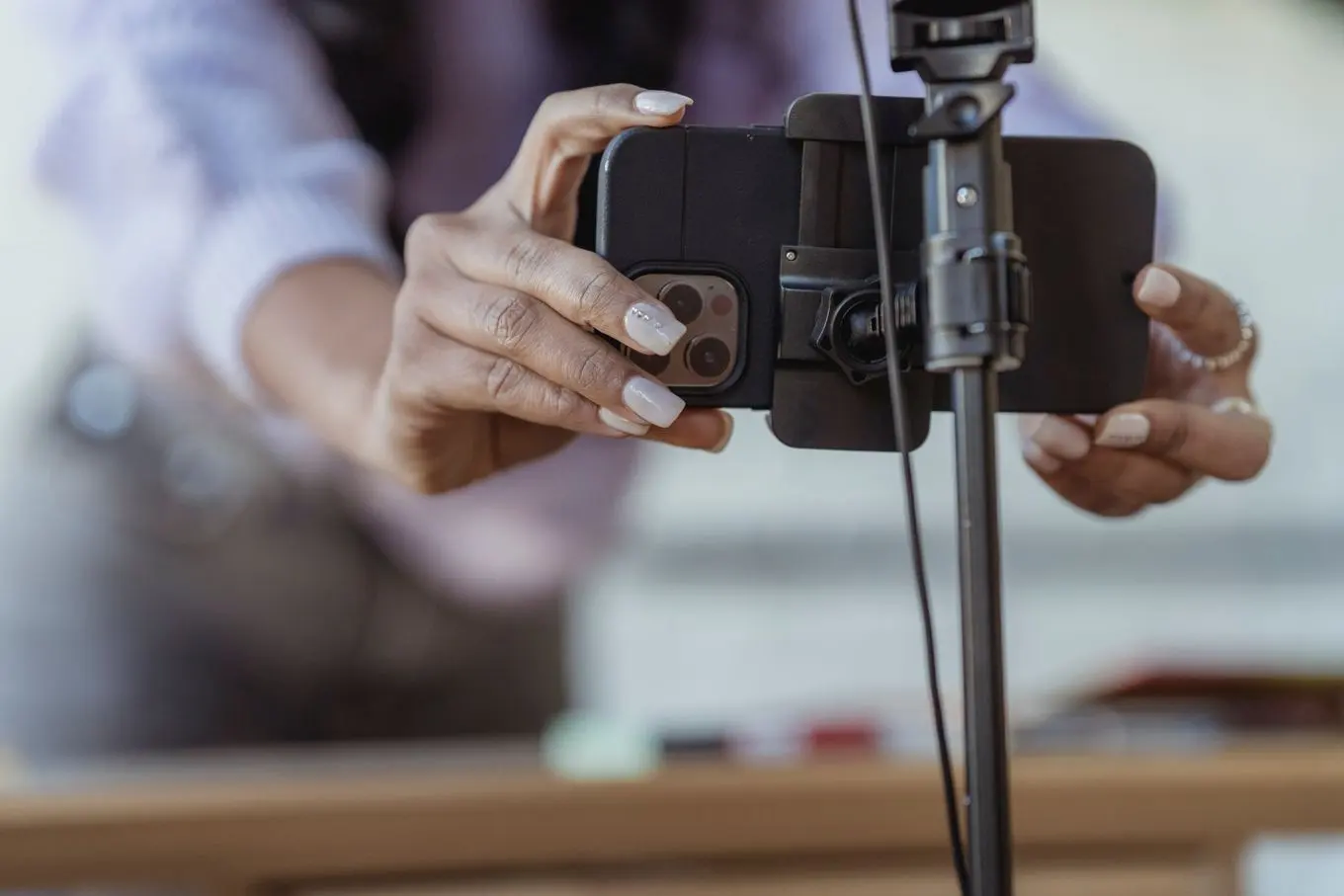
- Use a second camera. An old phone, a tablet or a laptop, propped where it can see your face and the screen. Start recording a minute before the alarm, not the night before, unless you want eight hours of footage of a ceiling.
- Keep the ring in the audio. The alarm going off is your cold open. Don’t cut straight to you awake.
- Say the number out loud. “Twenty-one of you picked squats.” Viewers want to hear their vote land.
- End on the card. The share card is the last frame. It tells anyone who missed the vote what happened.
We couldn’t find anyone else doing this, so there’s no template to copy yet. The closest thing in alarm apps is friends who get a notification when you snooze. A crowd choosing the mission and the difficulty, then watching you do it, is new.
Turning it into a series
After the mission you get a shareable card, and the headline writes itself: “43 people made me solve 3 math problems”. Post it back to the same audience that voted, and to the Mornings feed inside the app (more on that here).
A format that runs itself: open voting every Sunday night for Monday, and make Friday the day your hardest missions go on the list. People like knowing the rules. They like breaking you within the rules even more.
Ground rules for creators
- Only include missions you can do safely on camera, half-awake. Sky Photo, Math Problems and Swipe Arrows are easy wins. Add Squats if you trust your knees and your audience.
- Voters only see your list. Nothing you didn’t select can win.
- Don’t promise a fair election. One vote per browser is a game rule, not voter ID.
- Let the page do the recruiting. The bottom of the voting page says “Want them to choose yours? Get Alarm Mate.” Some of your viewers will want to be on the other side next week.
You need an iPhone with iOS 26 or later and Alarm Mate from the App Store.
Sources
- Wikipedia, Twitch Plays Pokémon
Related posts
BeReal for mornings: you can only post if you woke up
A feed of how people woke up: push-up videos, sky photos, result cards, streaks. You can only post on a day you actually woke up with the alarm.
How to wake up a friend from far away
Invite a friend to wake up at the same time, and if they're still asleep when yours rings, ring them once, loudly. How it works and what you need.
Group alarms: wake up together as a study group or team
Start a group, set the time, days and missions. Everyone's alarm rings at once, each person finishes their own mission, and the chat opens 15 min.
Tomorrow morning, don't do it alone.
Alarm Mate is on the App Store for iPhone. Solo alarms are free, and so is every mission.