Alarm mission
Color Hunt
The alarm names a color and keeps ringing until you have found something that shade and shot it.

Free on the App Store. Every mission is free, on every plan.
How it works
- 1
Add Color Hunt to your alarm. There is nothing to configure.
- 2
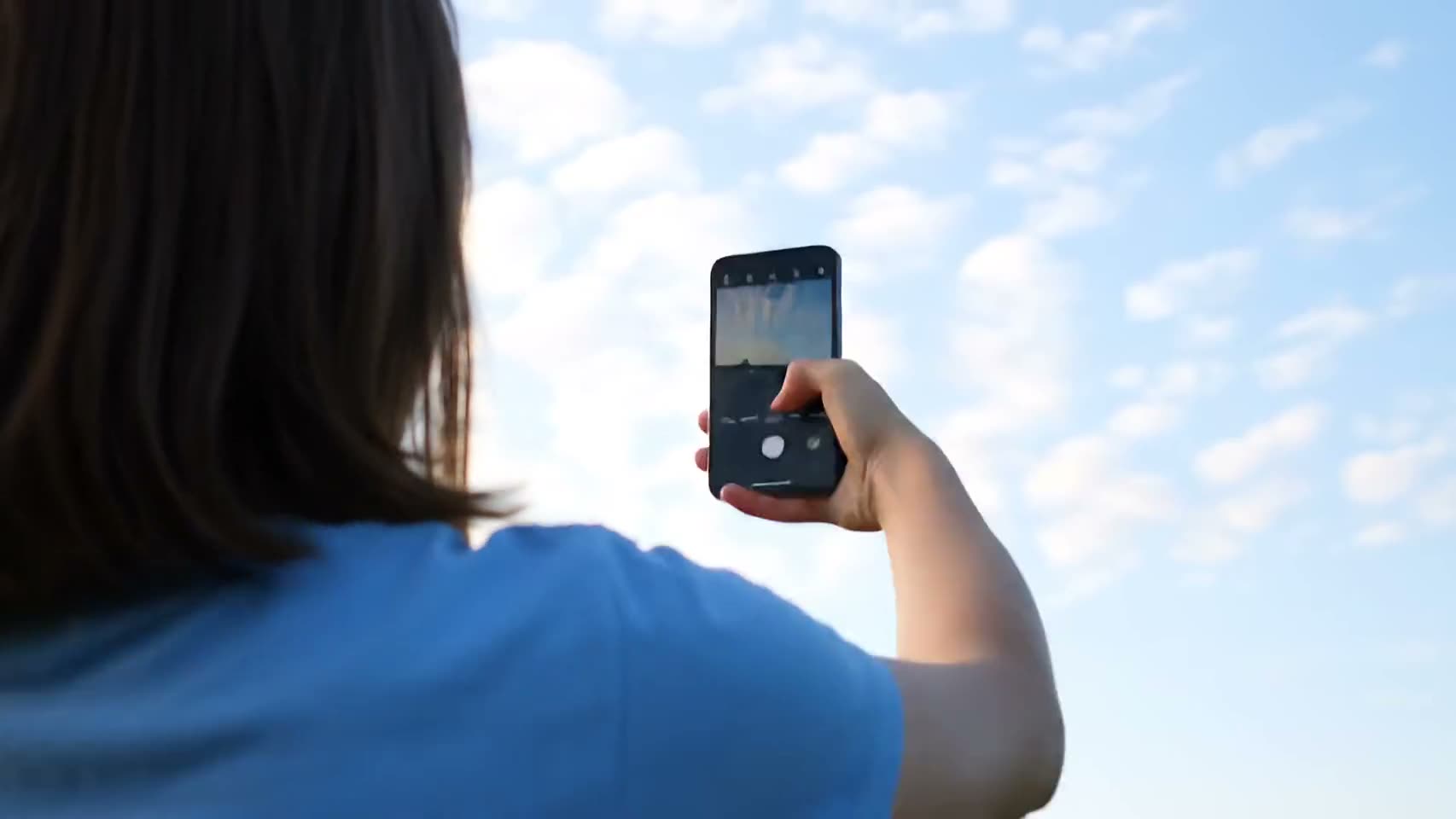
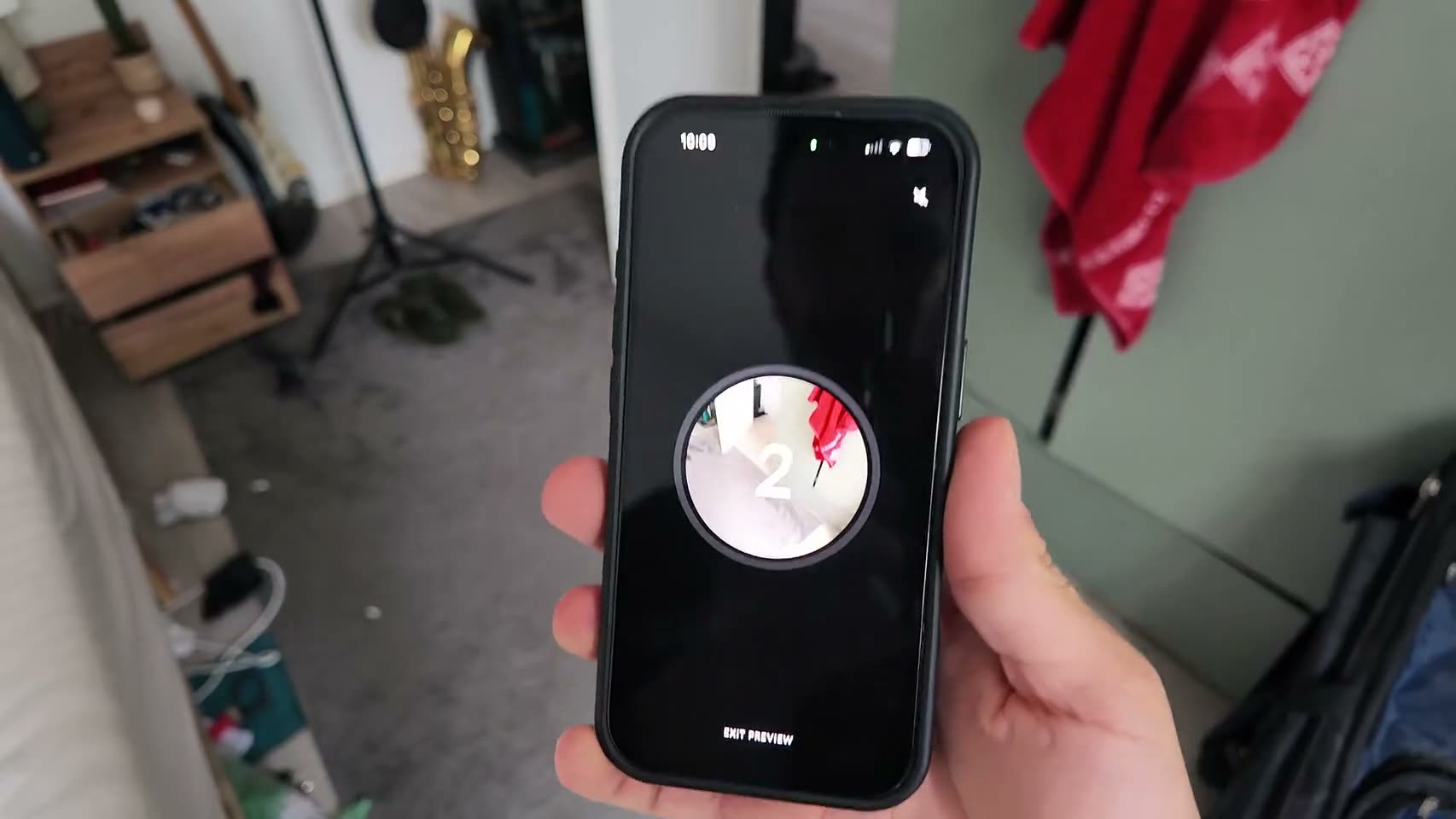
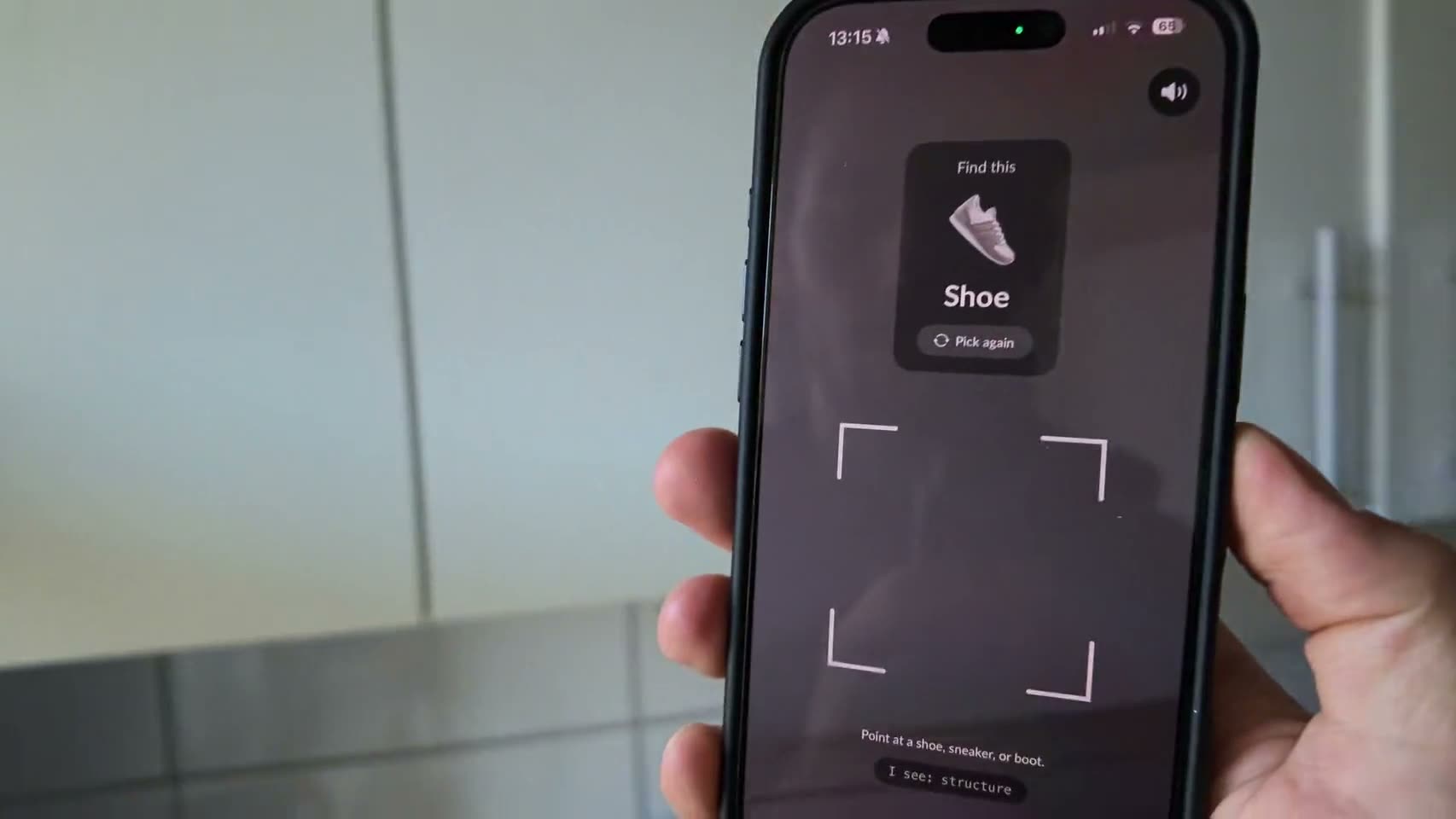
When it rings, the screen names a color and the camera opens.
- 3
Find something that shade, get plenty of it in shot and tap the shutter.
You set One verified photo. The color is chosen for you.
Why it works
A named color turns your bedroom into something you have to look at. You cannot solve it with your eyes closed, you cannot solve it by tapping, and for a few seconds you are scanning a room and thinking about objects. That small piece of visual searching pulls you out of autopilot faster than a puzzle you can do by feel.
The checking is fussier than you would expect. Your shot gets shrunk, the phone tries to separate the thing you aimed at from its background, and then it corrects for the light in your room, because a warm bedside lamp tints everything faintly orange and would otherwise make orange trivial and blue impossible. Then it judges each pixel in a perceptual color space, the kind built around how eyes see color rather than how screens store it. Nine percent of the frame has to match. The result shows the actual number, so a shot that scrapes in at eleven percent tells you it scraped in. All of that happens on your phone in well under a second, and the photo stays there unless you send it to your buddy yourself.
No reroll is what gives this mission teeth. Being handed purple in a room with nothing purple in it is a genuine problem, and the only way out is to go and look somewhere else. People report solving it in the wardrobe, the fridge and, once, a child’s toy box.
Who it’s for
Color Hunt lands well with people who find push-ups too much and tapping too easy. It asks for attention rather than effort, which fits mornings where your body is fine but nothing upstairs has switched on yet. It also gets you into another room without ever telling you to go to another room. Since the alarm fires one of your enabled missions at random, this turns up as a surprise rather than a routine you could learn to sleepwalk through.
FAQ
Color Hunt, answered.
Which colors can it ask for?
Red, orange, green, blue, purple or pink. White is deliberately left out because every room has a wall.
How close does the color have to be?
About nine percent of the picture needs to read as that color once the phone has corrected for your lighting, so one small object held up close works better than a distant hint of it.
Can I just point it at my screen?
Yes, honestly, a phone showing a big red rectangle would pass. It is a check on the color in front of the lens, not a check on your integrity. Getting out of bed to find a red mug is still faster.
Can I skip to an easier color?
No. If the shot misses, try again uses the same color. There is no rerolling your way to something convenient.
See other missions
Pick as many as you like.
When the alarm rings, one of the missions you picked fires, chosen at random. Finish it and the alarm stops on the spot.

Tomorrow morning, don't do it alone.
Set your first alarm tonight. Solo alarms and all 15 missions are free.