Alarm mission
Object Hunt
Your phone names something in your home and the alarm rings until you have found it and shown it the camera.

Free on the App Store. Every mission is free, on every plan.
How it works
- 1
Choose how many objects when you set the alarm, between one and five.
- 2
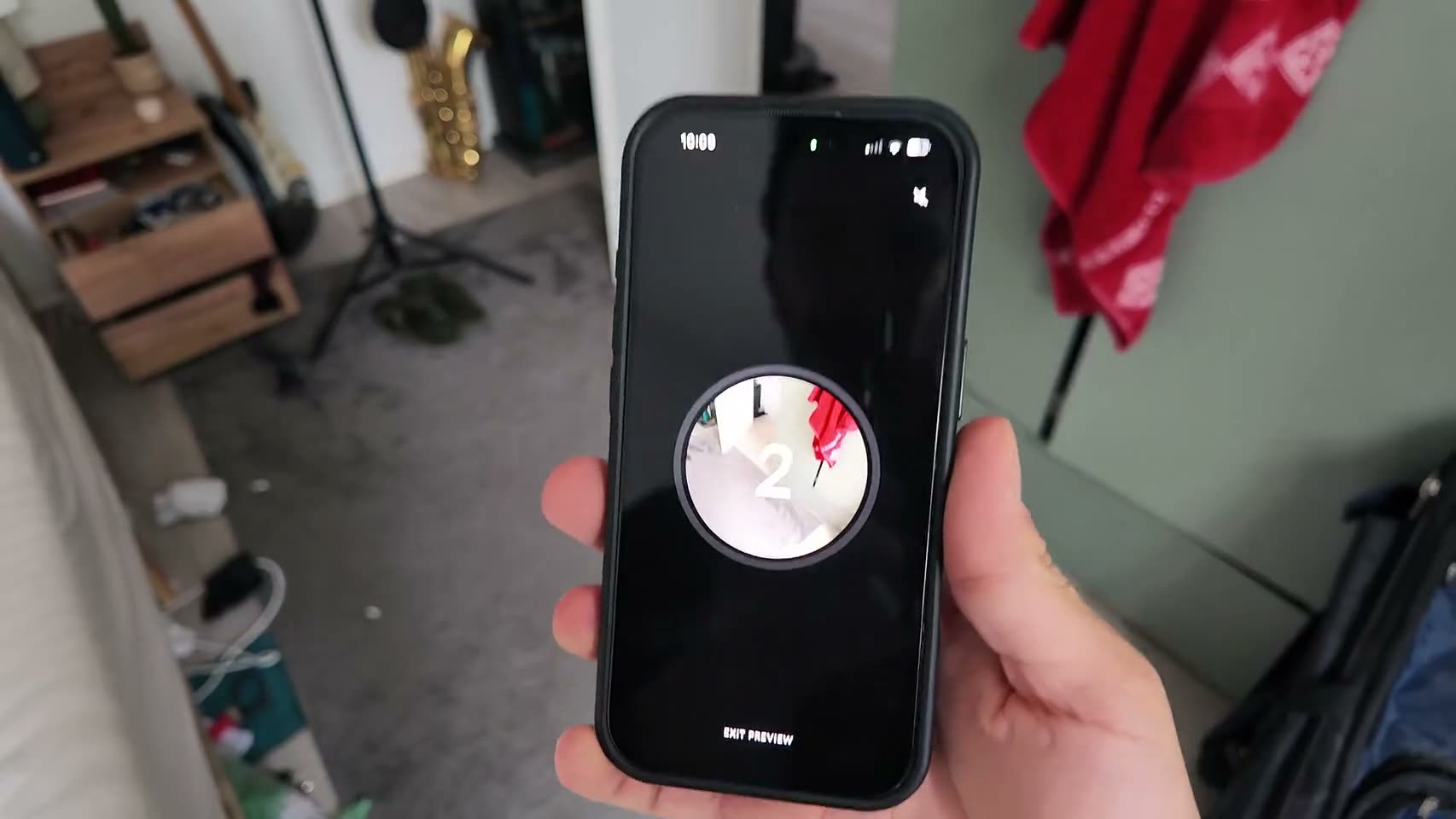
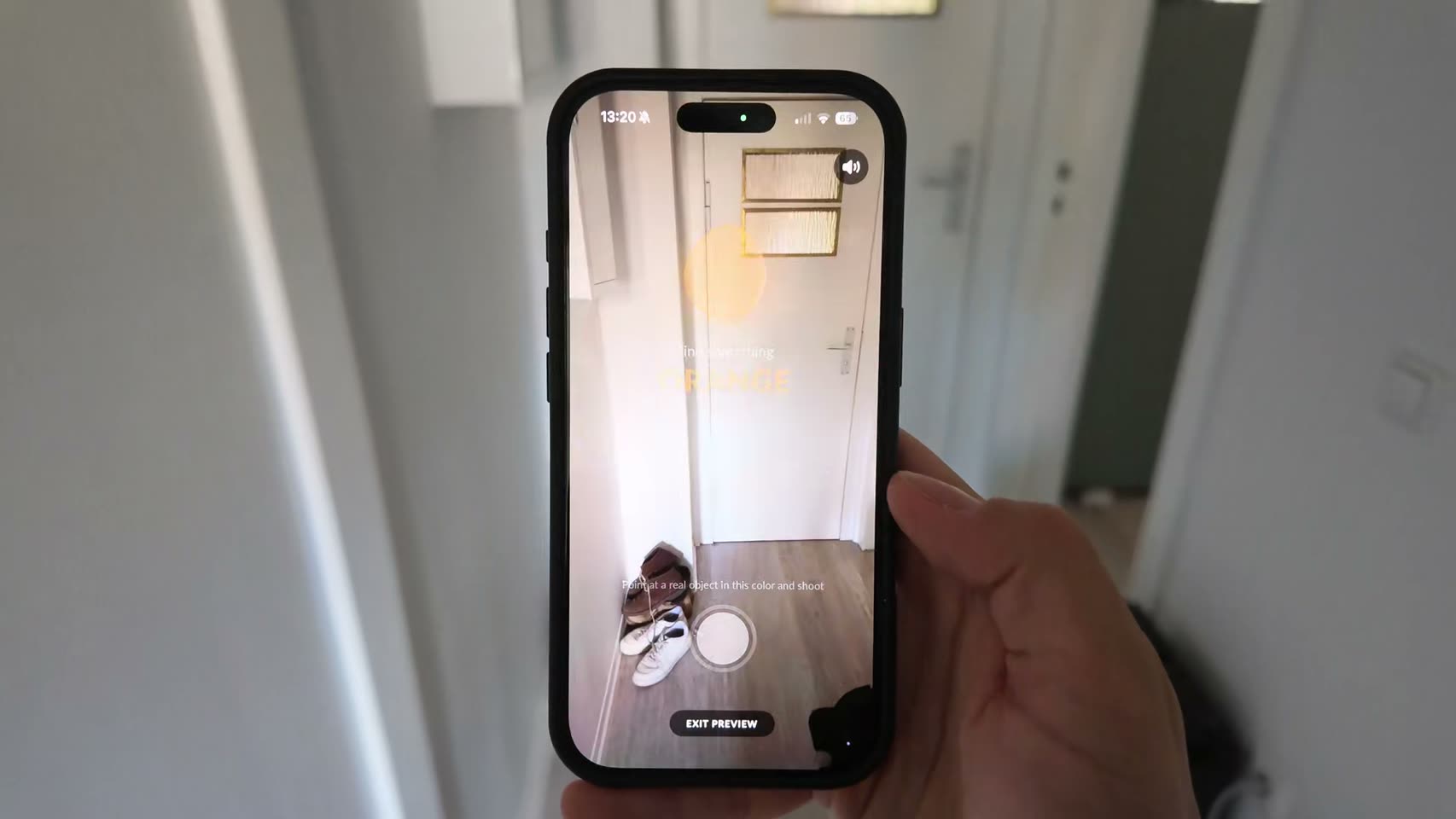
When it rings, the screen names one, for example a shoe or a mug, and the camera opens.
- 3
Point the camera at the real thing. It ticks off and the next one appears, or the alarm stops.
You set 1 to 5 objects per morning
Why it works
Waking up is partly a problem of sequencing. Your body is up, but nothing has told it where to go, so it wanders back to the nearest horizontal surface. Object Hunt hands you a tiny errand with a clear ending, and the errand does the work.
The phone picks an object from a list of twenty five ordinary things and asks you to show it. Your rear camera runs Apple’s built in image classifier about four times a second, matching what it sees against the words that belong to that object, and it wants a confident hit on two frames in a row before the box ticks. That second frame is what stops a blurry glimpse from counting while you are still walking. There is no score, no countdown and no photo taken. If it asked for something you genuinely do not own, pick again swaps it rather than stranding you in your own kitchen.
Set it to one object and it is a thirty second detour. Set it to five and you have toured the whole flat before the noise stops. What it cannot tell is whether you are standing, or whether the mug is yours, or whether you are even in your own home. Someone stubborn could sit in bed with a phone in one hand and a sock in the other. They would also, by that point, be entirely awake, which is the loophole quietly closing itself.
FAQ
Object Hunt, answered.
What objects can it ask for?
Ordinary household stuff drawn from a fixed list of twenty five: a mug, a book, a pillow, a shoe, a bottle, a spoon, a lamp, a sock, a plant, a door and so on. Nothing you would have to go outside for.
Can I show it a photo of the object on another screen?
Probably, and you will have spent longer arranging that than fetching the shoe. The recogniser looks at what the camera sees, not at whether it is a real object in a room.
What if I don't own the thing it asked for?
Tap pick again and it swaps to a different object. That is not a penalty and there is no limit worth worrying about, it just moves on to something you do have.
Does it save the photos?
There is no photo. The camera stream is classified live on your device and nothing is captured, stored or shared. This mission has no picture to share even if you wanted one.
See other missions
Pick as many as you like.
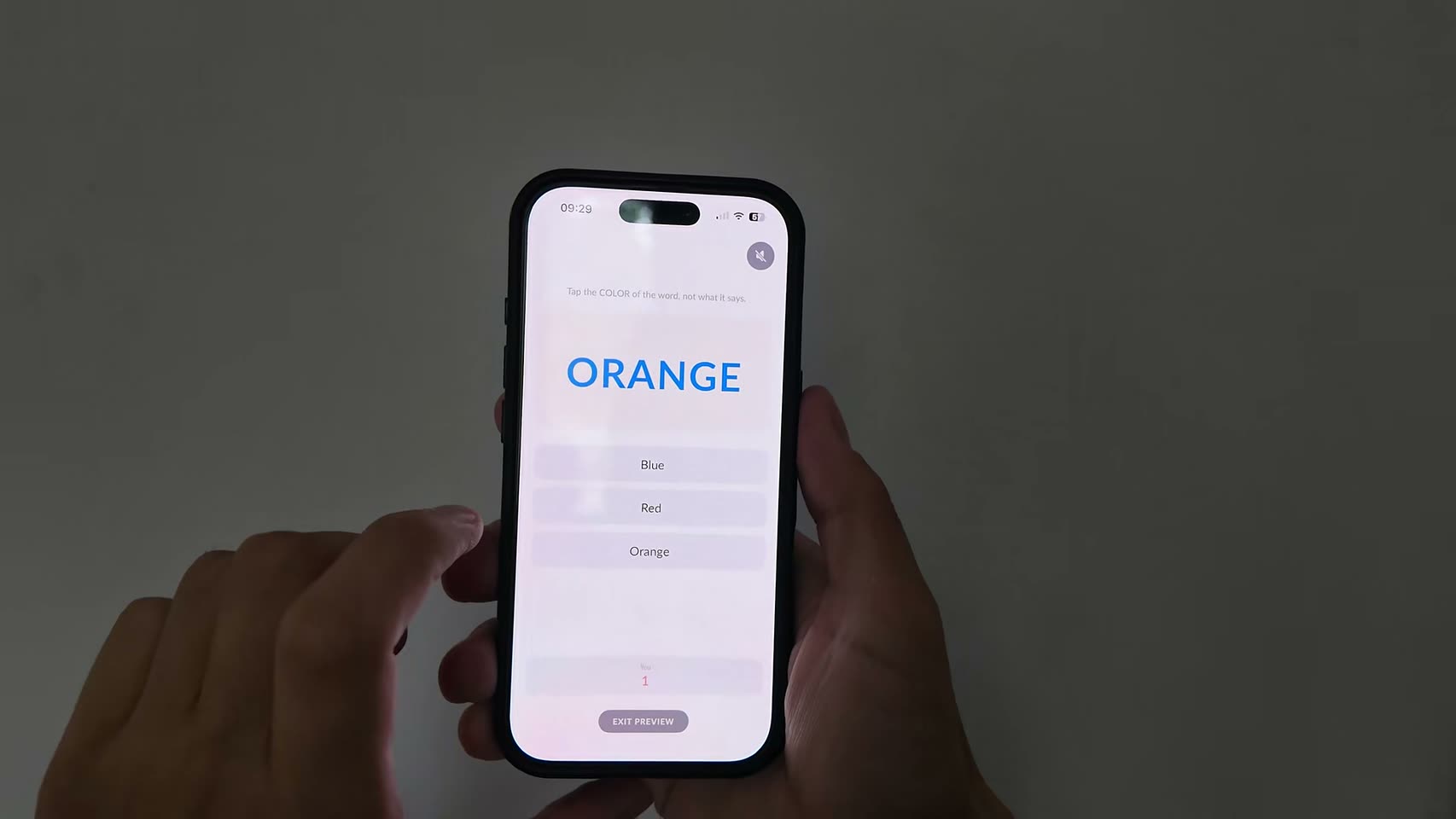
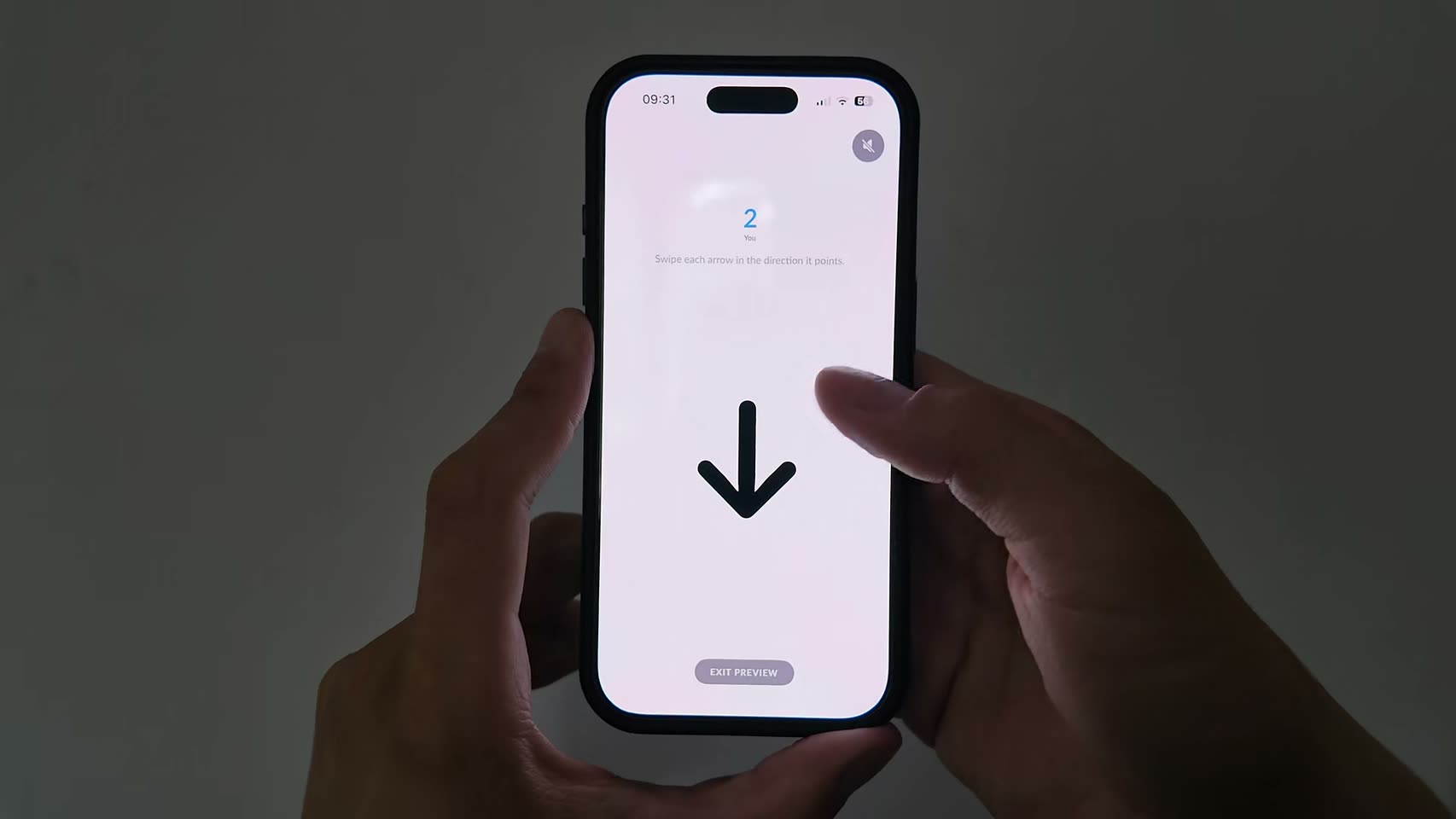
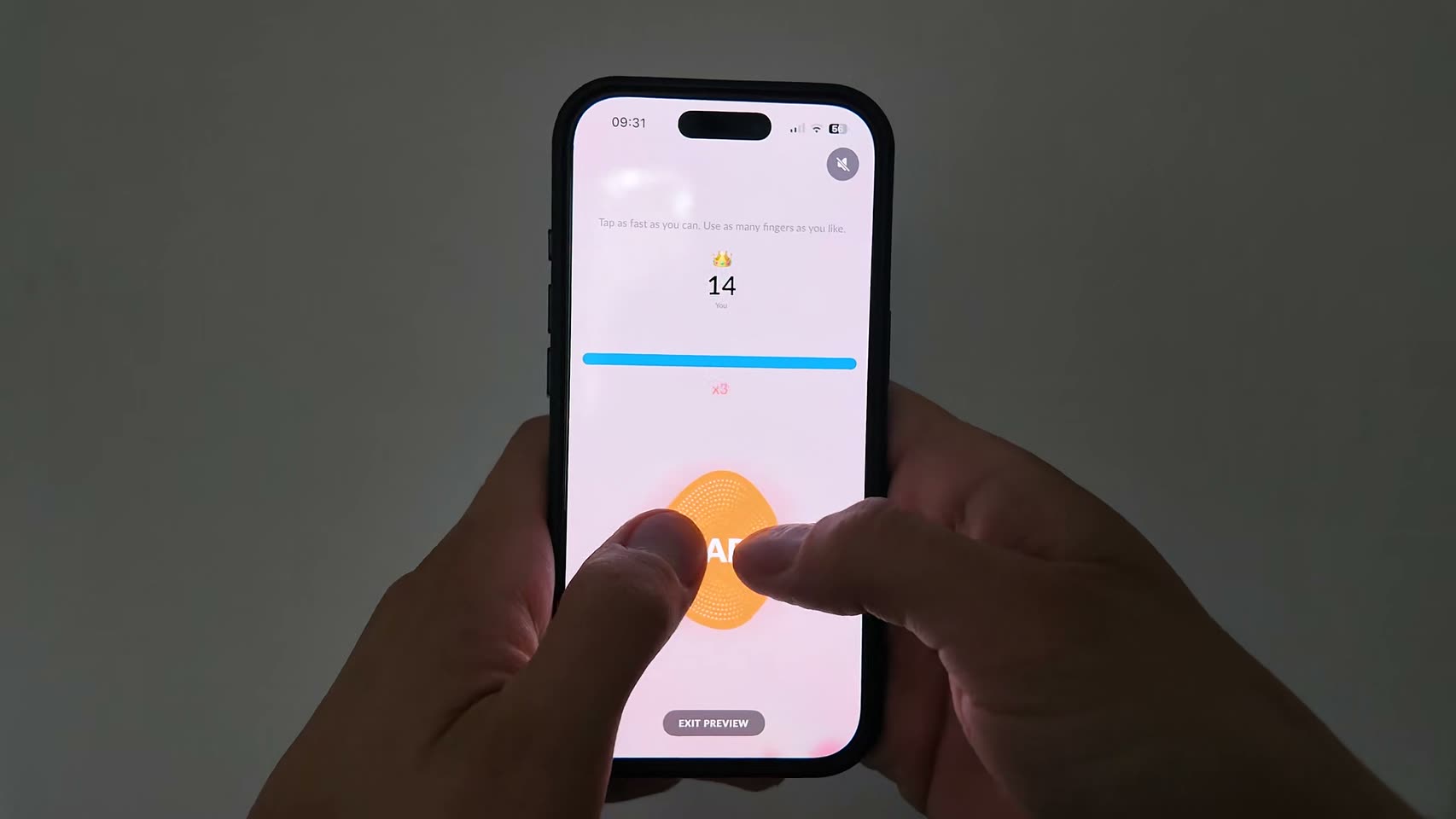
When the alarm rings, one of the missions you picked fires, chosen at random. Finish it and the alarm stops on the spot.
Tomorrow morning, don't do it alone.
Set your first alarm tonight. Solo alarms and all 15 missions are free.