Alarm mission
Sky Photo
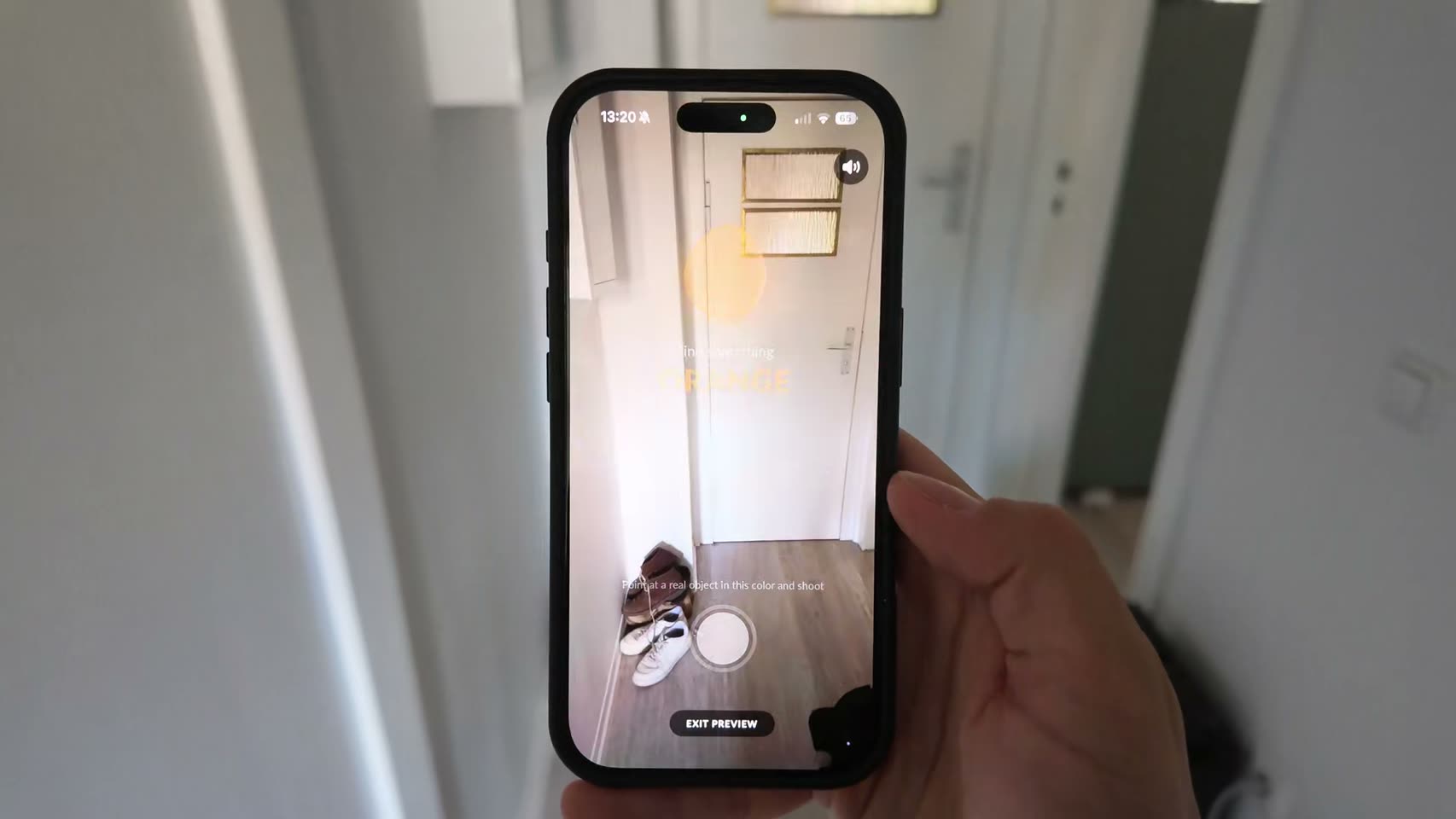
The alarm keeps ringing until your back camera is looking at actual sky.

Free on the App Store. Every mission is free, on every plan.
How it works
- 1
Add Sky Photo to your alarm. There is no difficulty slider on this one.
- 2
When it rings, get to a window or step outside and aim the back camera up.
- 3
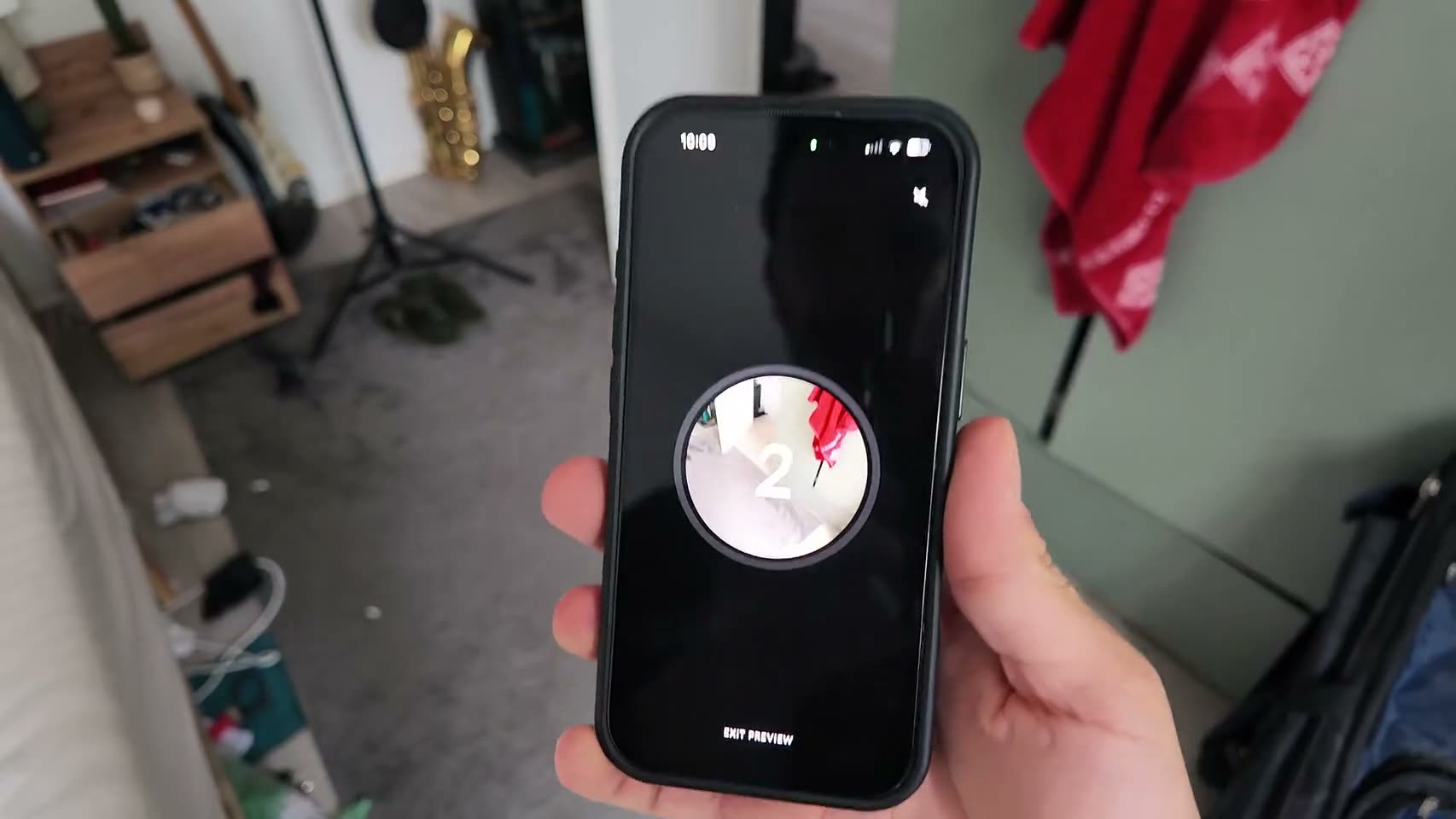
Hold the shutter for three seconds. Your phone checks the frame and the alarm stops.
You set Nothing to dial in. One verified sky photo ends it.
Why it works
The gap between snoozing and being awake is about six steps. Sky Photo makes you walk them. You cannot complete it from the mattress, because there is no sky on your ceiling and your phone is annoyingly confident about that.
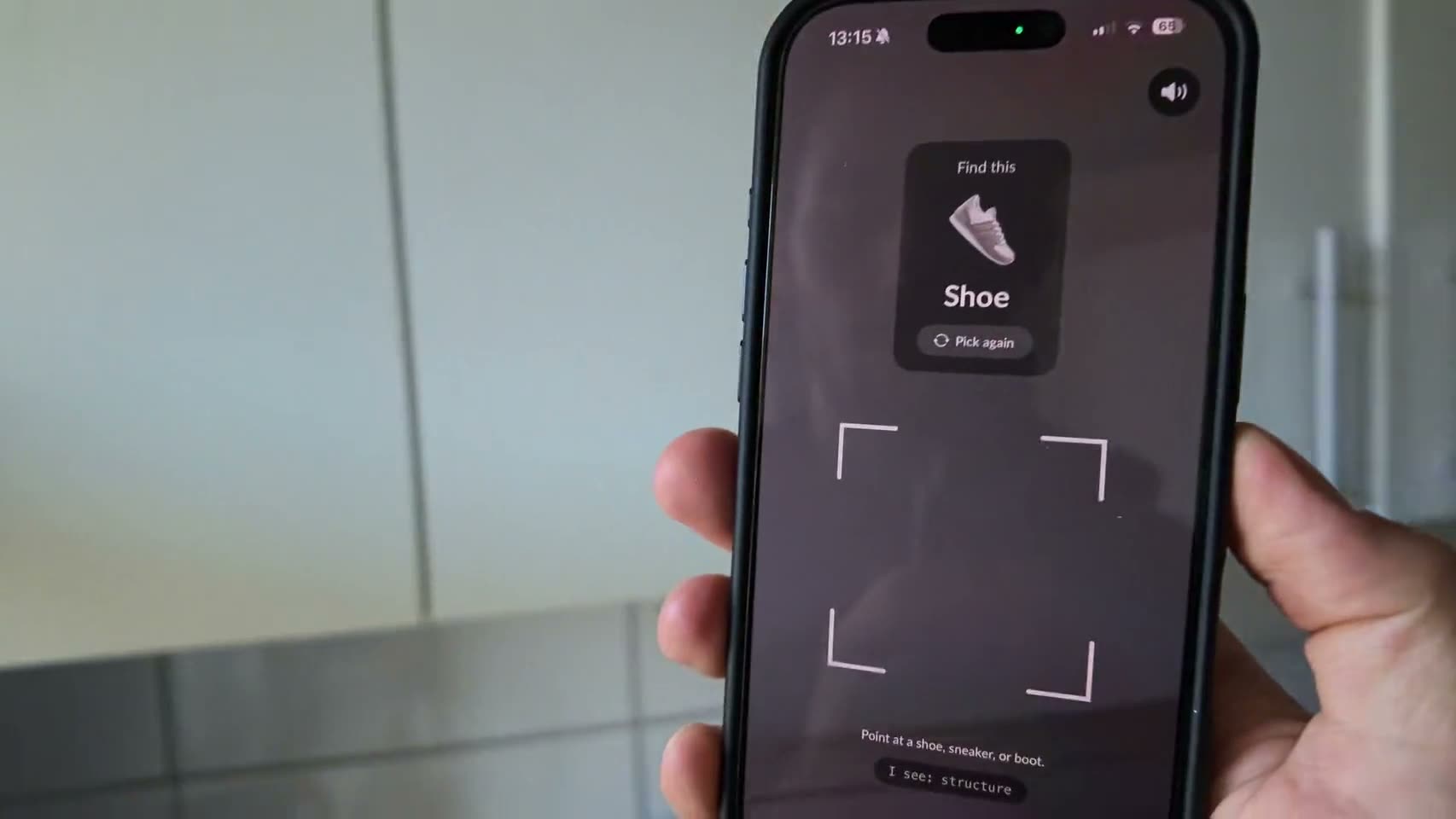
The check itself is simple enough. Your back camera streams frames and Apple’s on device image classifier looks for sky, blue sky, cloud, night sky, sunrise or sunset. Once it is confident, the hold ring starts filling, and three seconds later the exact frame it verified is the one it keeps while the alarm dies mid ring. Tilting the phone up past about 35 degrees helps, and in a dark room a lens focused far away counts too, which is how a 5am winter window still passes.
The limits are worth stating plainly. Your phone cannot tell your sky from anyone else’s, and it cannot tell a window from a balcony, so standing at the bedroom glass passes. What it refuses is a wall, a lamp, a duvet or the inside of your own elbow, which between them cover almost everything a half asleep person points a camera at. Nothing gets uploaded either. The frame is judged on the device, saved locally for the day, and goes nowhere unless you send it. There is no give up button, so if the camera works and you cannot find sky, the alarm simply keeps ringing while you look.
Who it’s for
This suits the specific failure where the alarm dies within arm’s reach and you have no memory of killing it. Sky Photo puts distance between you and the bed before the noise stops, and the walk does more work than the photo does. It helps on mornings where you are conscious but cannot start, since pointing a camera at a window is a smaller ask than deciding what to do with your day. Afterwards there is an optional fifteen minute chat with your buddy, and the sky shot is sitting right there if you want to send it.
FAQ
Sky Photo, answered.
Can I cheat the sky photo alarm?
You could hold up a second screen with a convincing sky on it. Anyone awake enough to set that up has already lost the argument, which is sort of the point.
Does the sky photo alarm work at night?
Yes. Night sky, sunrise and heavy cloud all count, and in low light the phone also accepts a lens focused far away, so a dark window still passes.
Are my photos uploaded anywhere?
No. The frame is classified on your device, and the photo is stored locally for that day only. It leaves your phone solely if you tap send to your buddy or share to the feed.
What if I can't get to a window?
You can retry as many times as you want, and there is no skip button. If you have blocked camera access entirely, the alarm hands you a different way to dismiss instead of a camera you refuse to give it.
See other missions
Pick as many as you like.
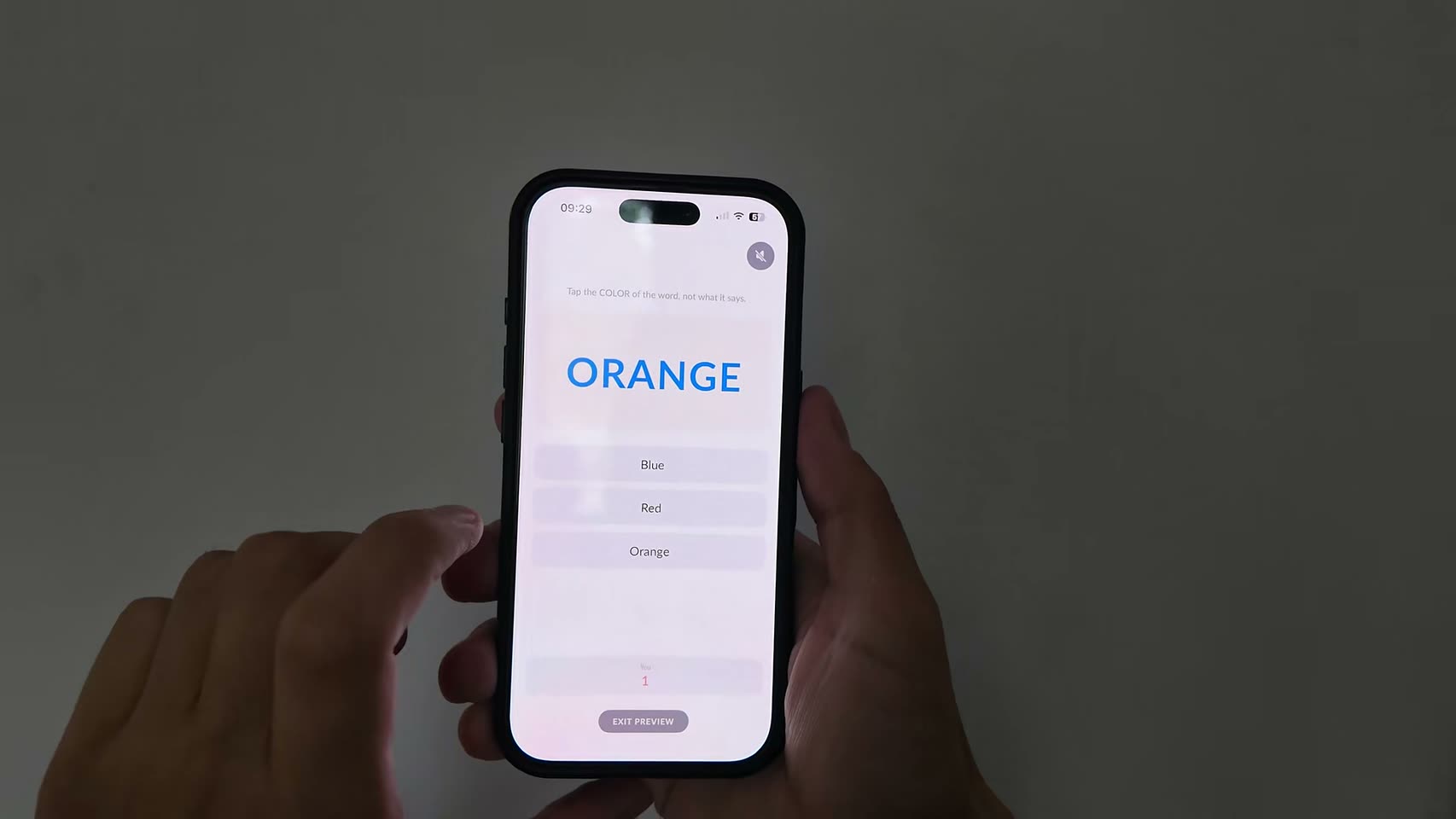
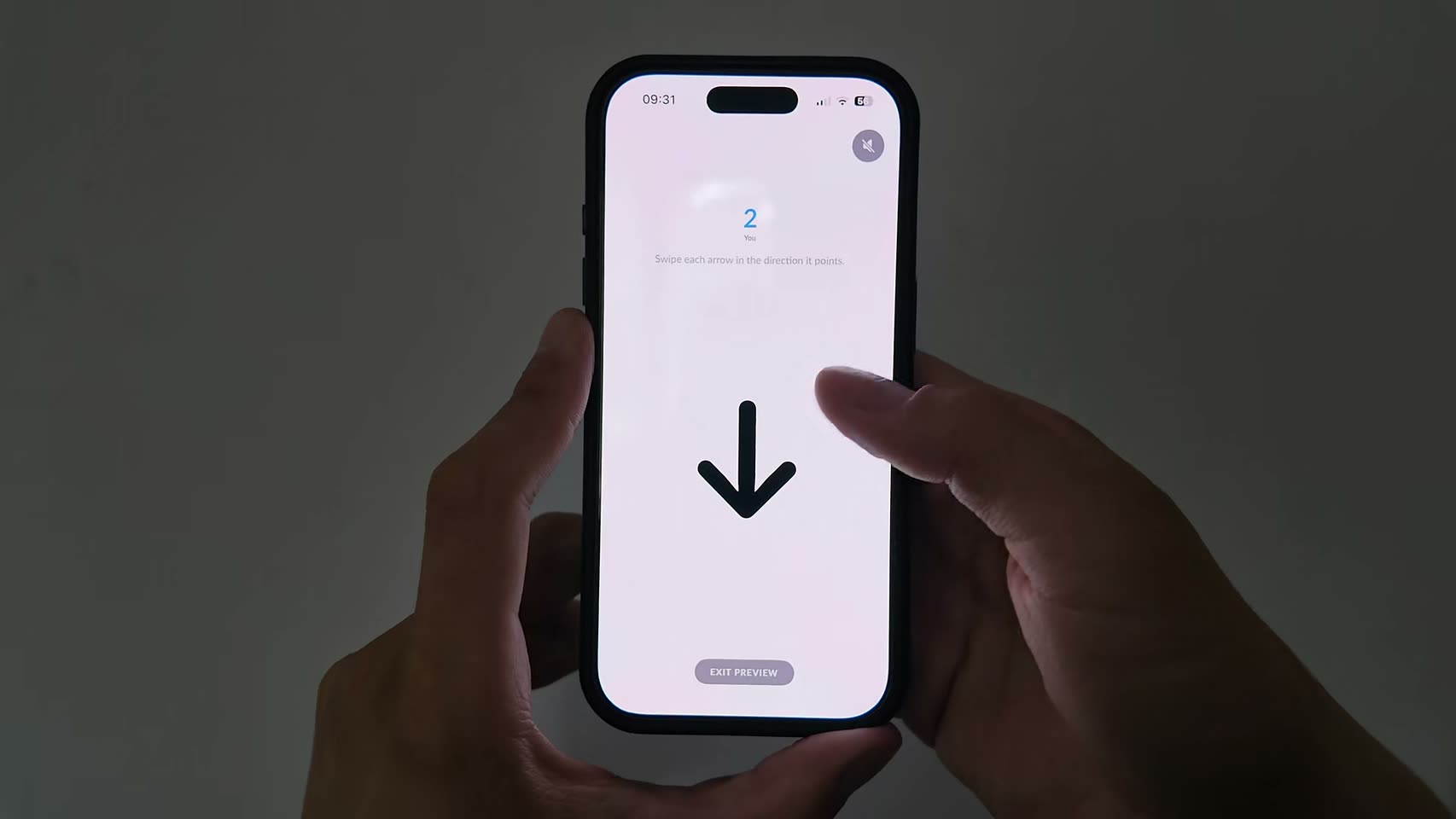
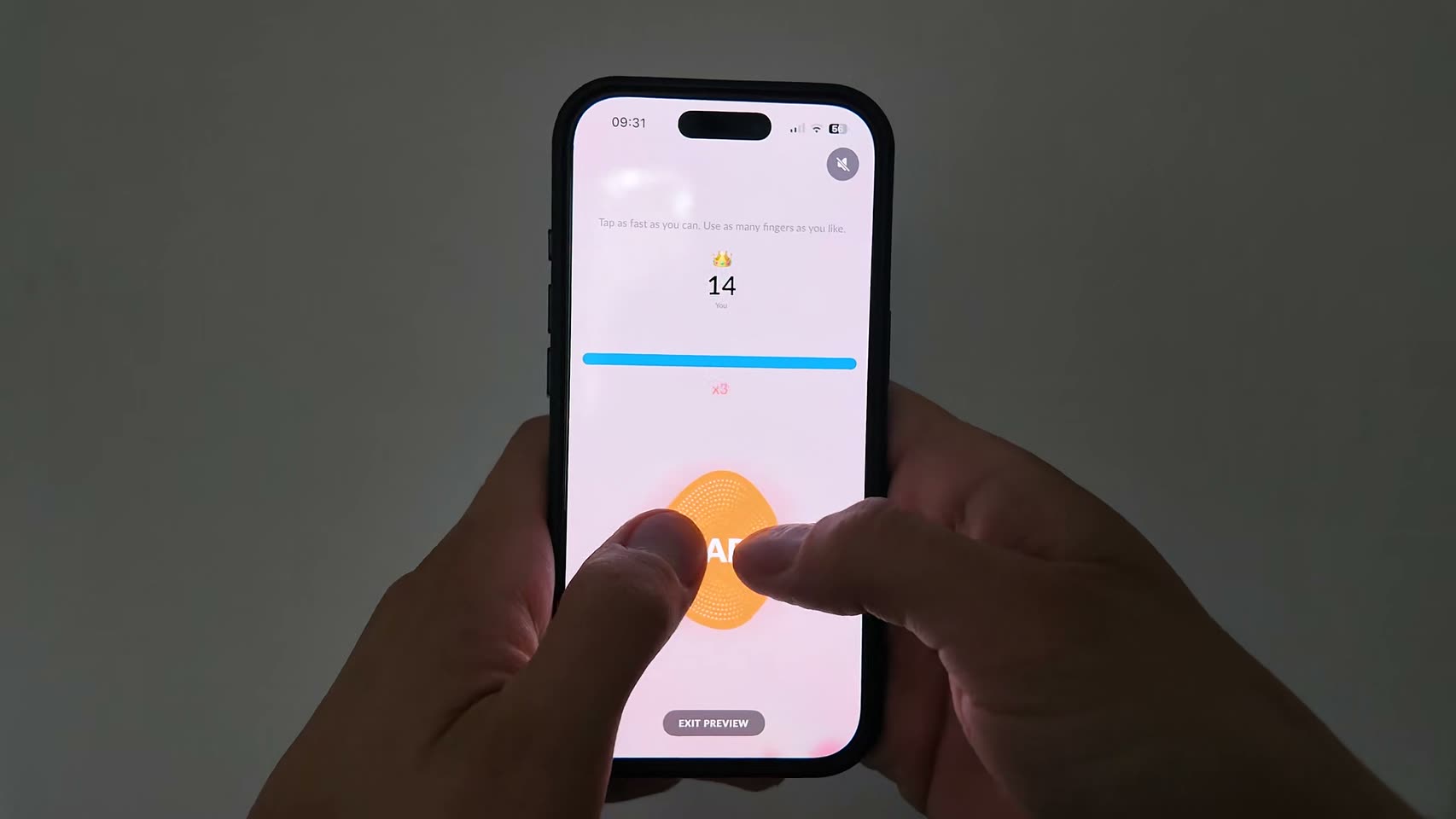
When the alarm rings, one of the missions you picked fires, chosen at random. Finish it and the alarm stops on the spot.
Tomorrow morning, don't do it alone.
Set your first alarm tonight. Solo alarms and all 15 missions are free.