Alarm mission
Tap the Button
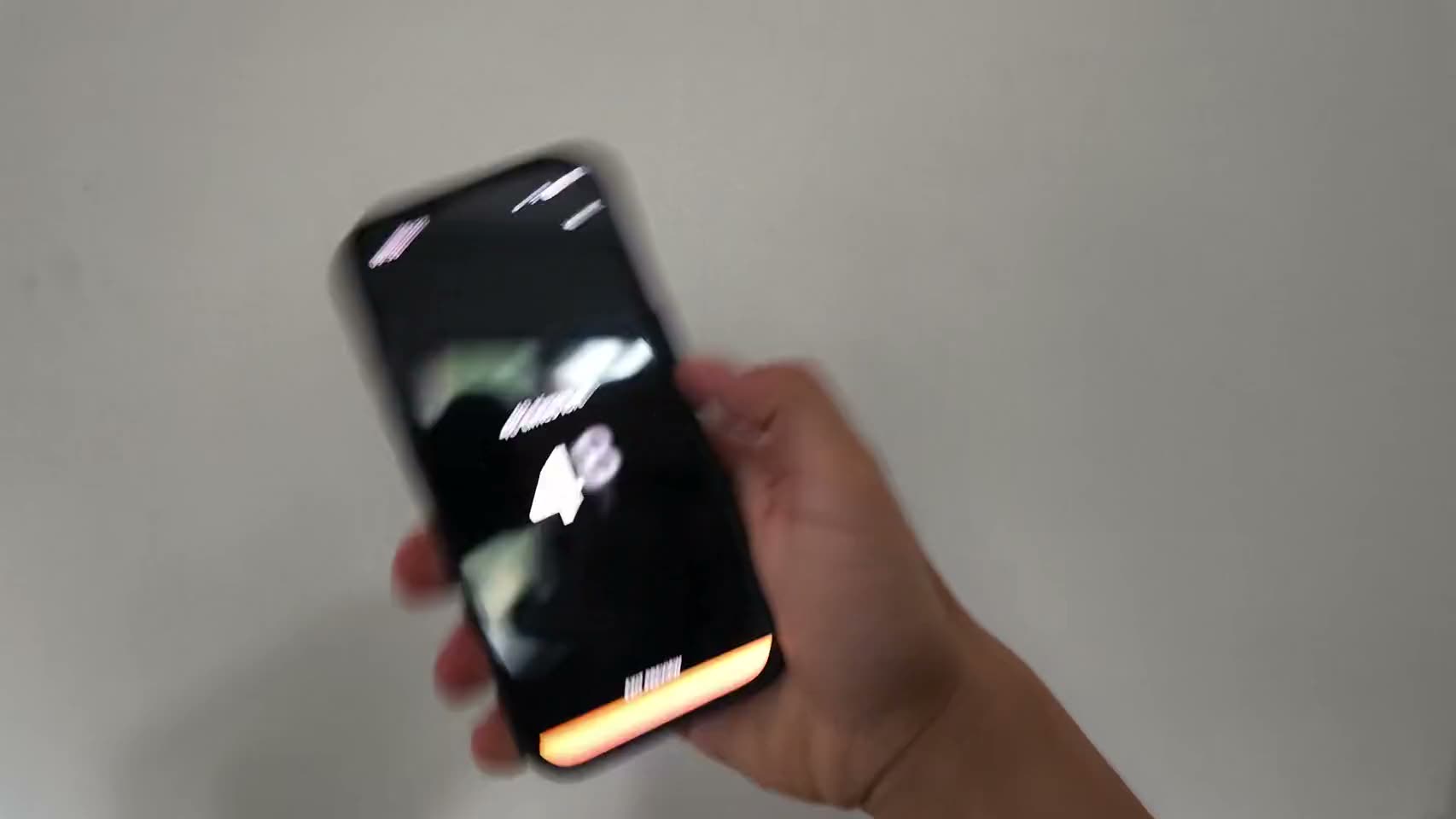
One button, one counter, and an alarm that will not stop until the counter reaches your number.

Free on the App Store. Every mission is free, on every plan.
Try it here
Same mission, in your browser.
No download, no sound. Finish it and the alarm stops, exactly like it does at 6:30.
Tap as fast as you can. Use as many fingers as you like.
Alarm dismissed
That's exactly how it works in the app.
Shown at the app's default: 50 taps. In the app you pick any target from 50 to 2000. A solo morning is untimed, and a matched morning turns the same target into a 45-second race against your buddy.
How it works
- 1
Pick your tap count when you set the alarm. Fifty is the minimum.
- 2
When it rings, tap the button. Use as many fingers as you can coordinate.
- 3
The counter hits your number and the alarm stops. There is a demo of it on this page.
You set 50 to 2000 taps, in steps of 50
Why it works
Tapping is the simplest thing in the app and the one most likely to be underestimated. Any single tap is trivial. Three hundred of them, at 6am, holding a phone you would rather put down, is a different experience. The mission is not testing coordination, it is testing whether you will stay engaged with something boring for longer than your sleepy brain wants to.
The button counts every touch it receives, several at once included, so two thumbs or a flat hand of fingers all register. That is allowed on purpose. Anyone looking for a faster technique has to sit up, hold the phone properly and concentrate on it, which was the outcome we wanted from them anyway.
Your chosen count matters more here than in any other mission. Fifty is the floor and fifty is easy, around ten seconds of work. The dial goes to two thousand in steps of fifty, and somewhere in that range sits a number that will irritate you into staying up. Most people settle between two hundred and five hundred after a week of adjusting. Reach it and the alarm cuts out immediately, mid ring, with no results screen in the way.
Who it’s for
This is for people who are not ready to be filmed doing push-ups and who share a room with somebody who would object to shaking. It needs no permissions, no camera and no floor space, and it works with the phone held under a blanket. It is the gentlest thing in the set, which makes it a fair first mission if harsher alarm apps have already put you off the whole idea. The alarm fires one of your enabled missions at random, so keeping a soft one in the mix buys you an occasional soft morning rather than a guaranteed escape.
FAQ
Tap the Button, answered.
Can I use more than one finger on the tap alarm?
Yes, and it counts every finger separately. Two thumbs roughly halves the work. This is allowed on purpose, because the mission is about sustained attention, not finger speed.
Is there a limit on how fast I can tap?
No rate limit on the count. The vibration is throttled so your phone does not turn into a maraca, but every tap still registers even when the buzz is skipped.
How many taps should I set?
Fifty takes about ten seconds and mostly just proves your hand works. Two or three hundred is where it starts requiring your actual participation. Two thousand is the ceiling and we do not recommend it for a first week.
Is it really enough to wake someone up?
On its own, for a deep sleeper, probably not. It is the easiest mission here and we would rather say so. Enable it next to something physical and let the random pick decide.
See other missions
Pick as many as you like.
When the alarm rings, one of the missions you picked fires, chosen at random. Finish it and the alarm stops on the spot.
Tomorrow morning, don't do it alone.
Set your first alarm tonight. Solo alarms and all 15 missions are free.