What happens at 7:00 when a stranger wakes up with you
Both alarms ring. You land in a lobby, wait for your buddy or start now, watch them live, race the same mission, then chat. The whole morning.
Key takeaways
- Both phones ring at the same second. There's no snooze, and the volume won't go down while the app is open.
- In the lobby you choose Wait for Sam (a quiet two-minute wait) or Start now.
- A live line shows what your buddy is doing, and on the five race missions the faster one gets the green VS card.
- Once per morning you can ring a sleeping buddy's alarm, and the optional chat stays open 15 minutes from the alarm time.
On this page 9 sections
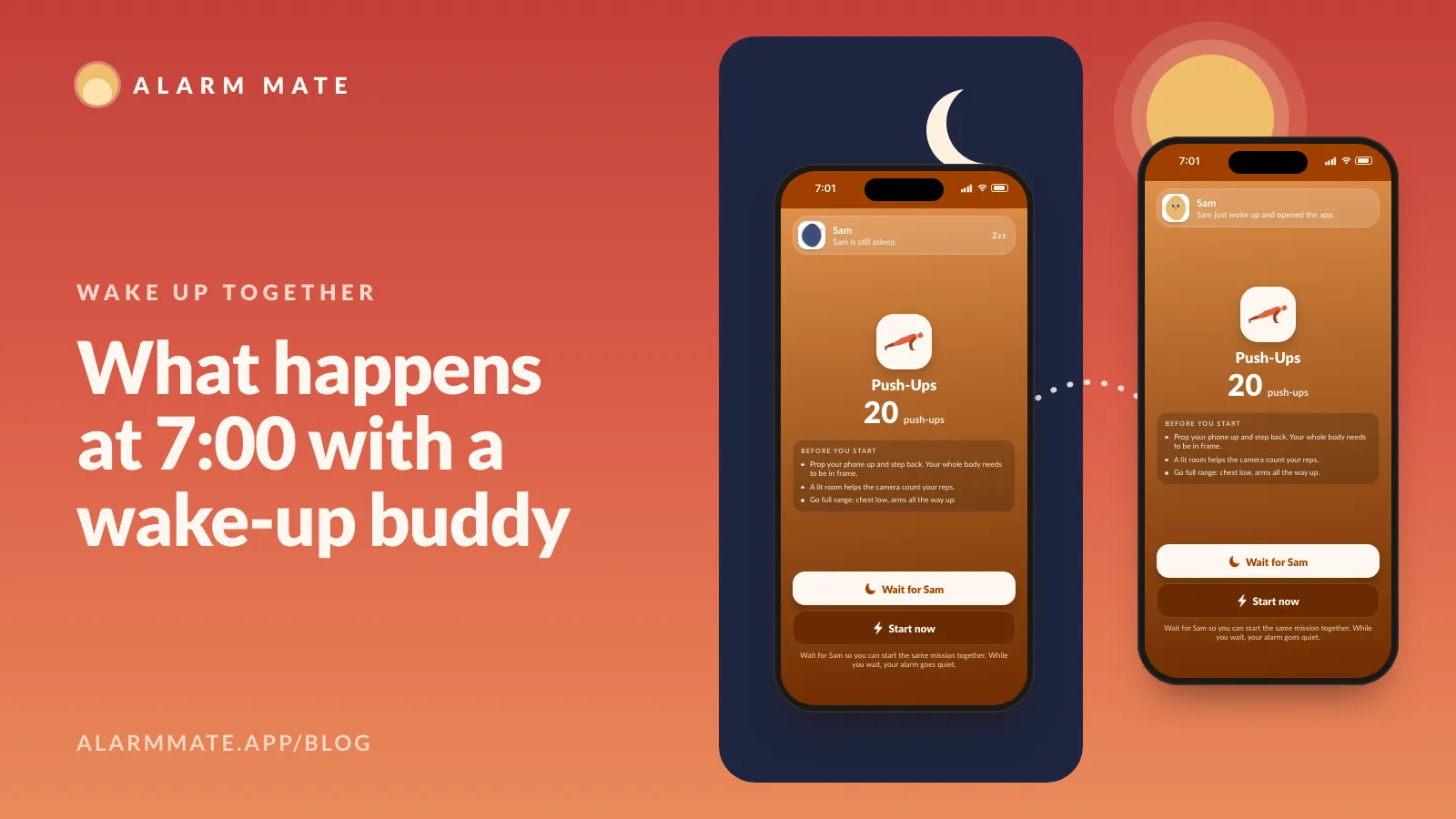
At 7:00 both phones ring. You open the app into a lobby, choose “Wait for Sam” or “Start now”, and from then on you can read what your buddy is doing, live: still asleep, just opened the app, doing push-ups. Alarm Mate is an iPhone alarm app built around this shared minute.
People ask what a morning with a wake-up buddy actually feels like. It’s the center of Alarm Mate as a social alarm, and it’s hard to explain in one line.
The short version: both alarms ring at the same moment, you can tell whether your buddy is up, and showing up keeps your streak alive. Plenty of wake-together apps stop there, with a list of names and who’s awake. That’s a scoreboard; what follows is the minute itself.
So here’s one morning, from the night before to the last chat message, with a clock on every step. Your buddy is Sam: a stranger you matched with last night, or a friend you invited. The morning works the same either way.
10:40 PM, the night before: seal their fate
You set a 7:00 alarm in Match mode, got paired with Sam, and saw the celebration screen. Before going to sleep, one more decision.
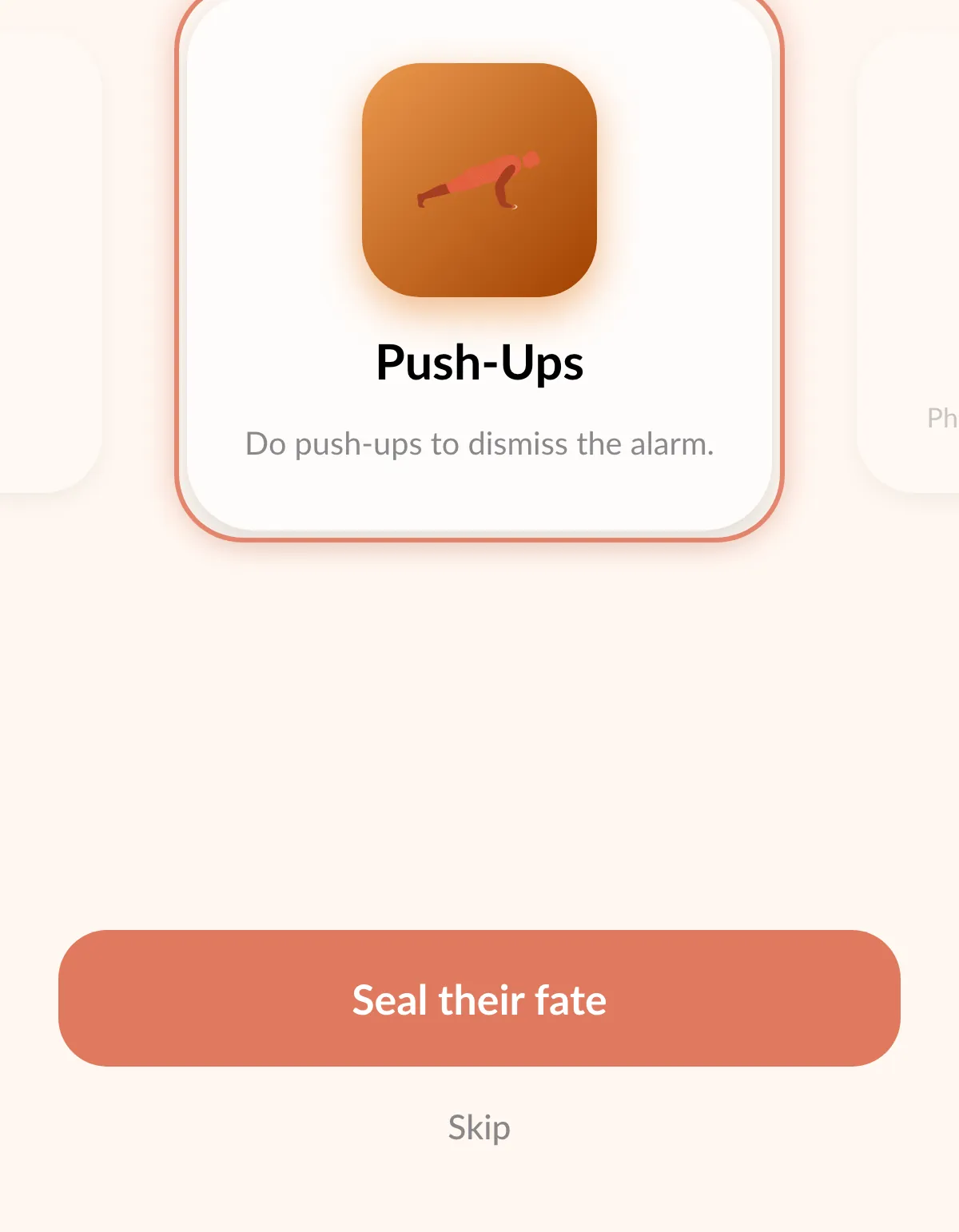
If Sam turned on “Let your buddy pick your wake-up”, you get to choose Sam’s mission. The toggle explains itself: “They choose from YOUR selected methods. If nobody picks, the usual surprise applies.”
So you’re choosing from Sam’s own list, not inventing a punishment. You scroll through it, pick the one that will hurt most at 7:00, and tap “Seal their fate”.
It only works in both directions if both of you switch it on. You also need at least two missions selected (or Surprise me on), otherwise there’s nothing to pick from.
6:59: the last quiet minute
Nothing happens at 6:59, and that’s worth a line. You’re asleep, Sam is probably asleep, and somewhere in the app sits a decision one of you made last night: you chose Sam’s mission, and if you switched the toggle on too, Sam may have chosen yours.
Neither of you has seen the result. Most alarms are a sound you already know by heart; this one has a small plot twist loaded into it, and in sixty seconds you both find out what it is.
7:00:00: both phones ring
Two phones, two bedrooms, possibly two cities, same second. There’s no snooze button, and while the app is open the volume won’t go down.
That’s the alarm doing its job, and we explain the details in our no-snooze alarm post. What makes this morning different is who else is awake.
7:00:20: the lobby
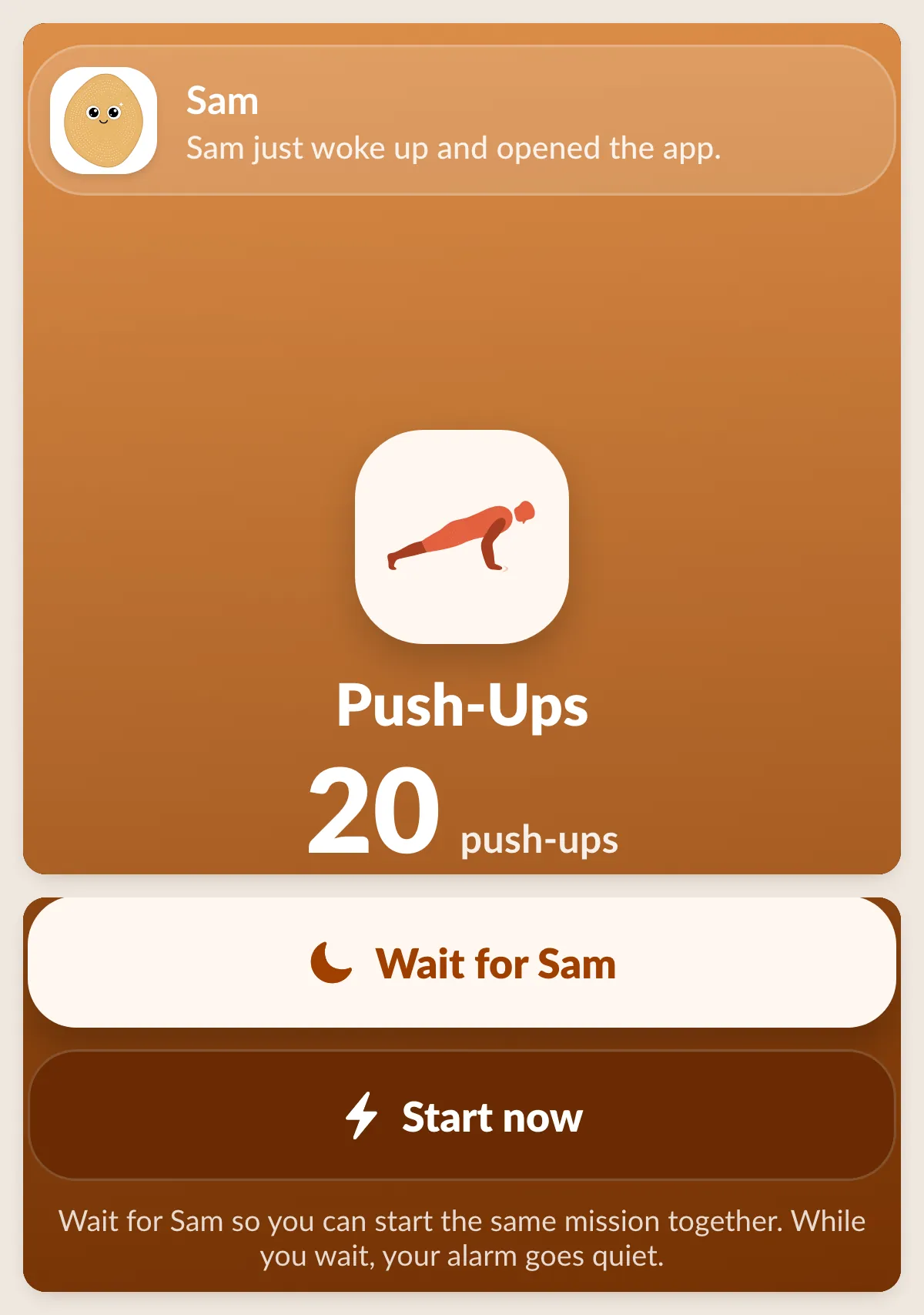
You open the app and land in a lobby with two choices:
- “Wait for Sam”: a quiet two-minute wait. The screen tells you “Your alarm goes quiet while you wait.” If Sam shows up, you start together.
- “Start now”: you go straight into your mission.
The lobby changes depending on where Sam is. If Sam got there first and is waiting, you’ll see “Sam is ready. Press to start together”. If Sam didn’t wait for you, it’s “Jump in. Sam already started”.
When you do start together, both phones count down in sync, 5, 4, 3, 2, 1, and you’re off.
7:01: reading your buddy, live
From the lobby on, a single line tells you what Sam is doing, updated as it happens. Across one morning, it reads roughly like this:
- “Sam is still asleep.”
- “Sam just woke up and opened the app.”
- “Sam is ready and waiting for you to start.”
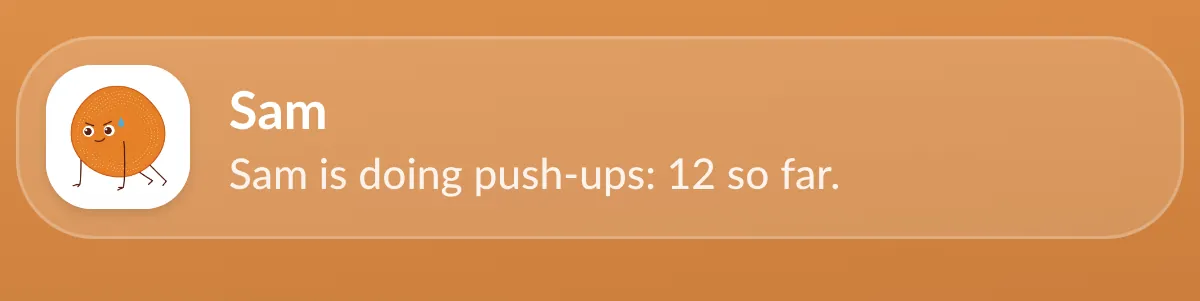
- “Sam is doing Push-Ups: 12 push-ups so far.”
- “Sam finished Push-Ups in 45s.”
- “Sam is waiting in the chat.”
That fourth line is a live count, and it’s more motivating than it has any right to be. It’s hard to lie on your side of the mattress while a number on your screen says someone else is already at 12.
7:02: the race
Five missions are built to be raced: Tap the Button, Math Problems, Tap the Color, Swipe Arrows and Shake Your Phone. When you both get the same one, it’s head to head.
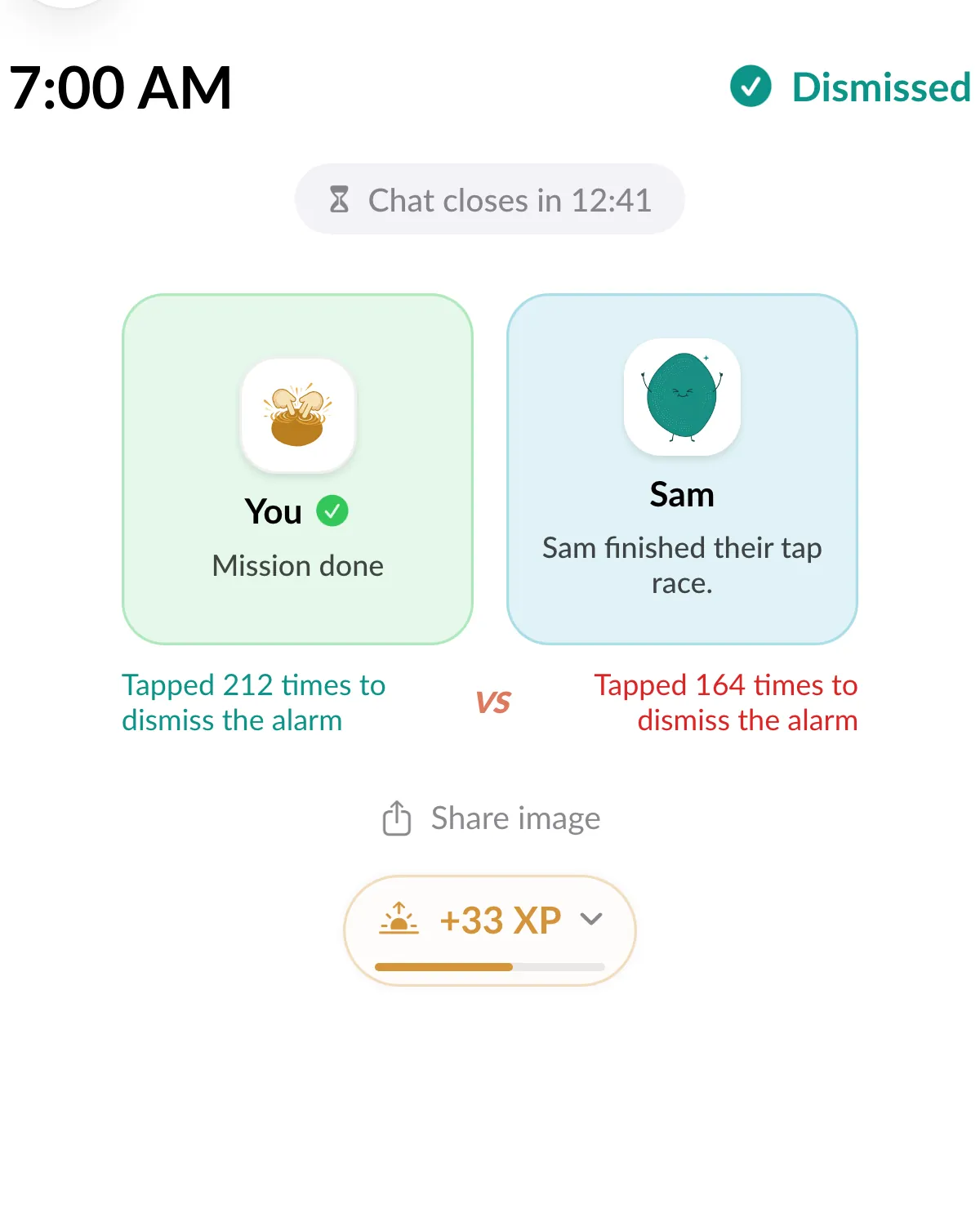
At the end, there are two cards with VS between them. Whoever woke up faster gets the green card; the later one gets red. Nobody has ever been happy to see red at 7:03 AM, which is sort of the point.
Why those five, and not calculus? In 1898, Norman Triplett noticed that cyclists rode faster when racing others than when riding alone against the clock. Decades later, Robert Zajonc showed that having other people around boosts performance on simple, well-practiced tasks and can hurt it on complex ones (social facilitation).
A half-awake brain racing a friend is exactly the case where simple wins. So the race games are taps, swipes and shakes, and the math stays manageable.

If you and Sam got different missions, say you drew Math Problems and Sam drew Push-Ups, you each do your own, side by side, still watching each other’s status line.
7:04: if they’re still asleep
Maybe Sam’s line still says “Sam is still asleep.” You get one move per morning: hold “RING SAM’S ALARM”, and Sam gets a loud alarm notification.
7:05 to 7:15: chat, then rate
Once your mission is done, the alarm stops and you see “Alarm off · Go to chat”. The chat is optional, and it’s open for 15 minutes from the alarm time. When you’re both in, the header nudges you: “You’re both here. Say good morning.”
What do people talk about at 7:05? Mostly who won, how awful the mission was, and what the day looks like. It’s short on purpose: you get a person at the start of the day, then you get on with it.

After the morning, the app asks “How was your morning with Sam?” and you rate it from 1 to 5 stars. Those ratings are part of how Alarm Mate tracks who reliably shows up; more on that in why an accountability buddy only works if they show up.
You also collect XP and keep your streak going, which is its own rabbit hole: how streaks and XP work. If you’re wondering why another person makes such a difference to getting out of bed, body doubling for mornings explains the idea.
Get Alarm Mate on the App Store.
FAQ
Do I have to wait for my buddy?
No. Tap “Start now” and go. “Wait for Sam” is there for people who want to start together, and it only waits two minutes.
What if we picked different missions?
Then you each do your own mission. You still see each other’s live status, and you both end up in the same chat.
Is the chat required?
No. Finishing your mission turns the alarm off. The chat is there if you want it, for 15 minutes from the alarm time.
What if my buddy never wakes up?
Your morning doesn’t wait for theirs. Finish your mission and your alarm stops, whatever Sam is doing. You can spend your one ring on them, and the chat stays open until 15 minutes after the alarm time in case they make it.
Then you rate the morning, and a buddy who keeps not showing up shows it in their reliability score.
Sources
- Wikipedia, Social facilitation
Related posts
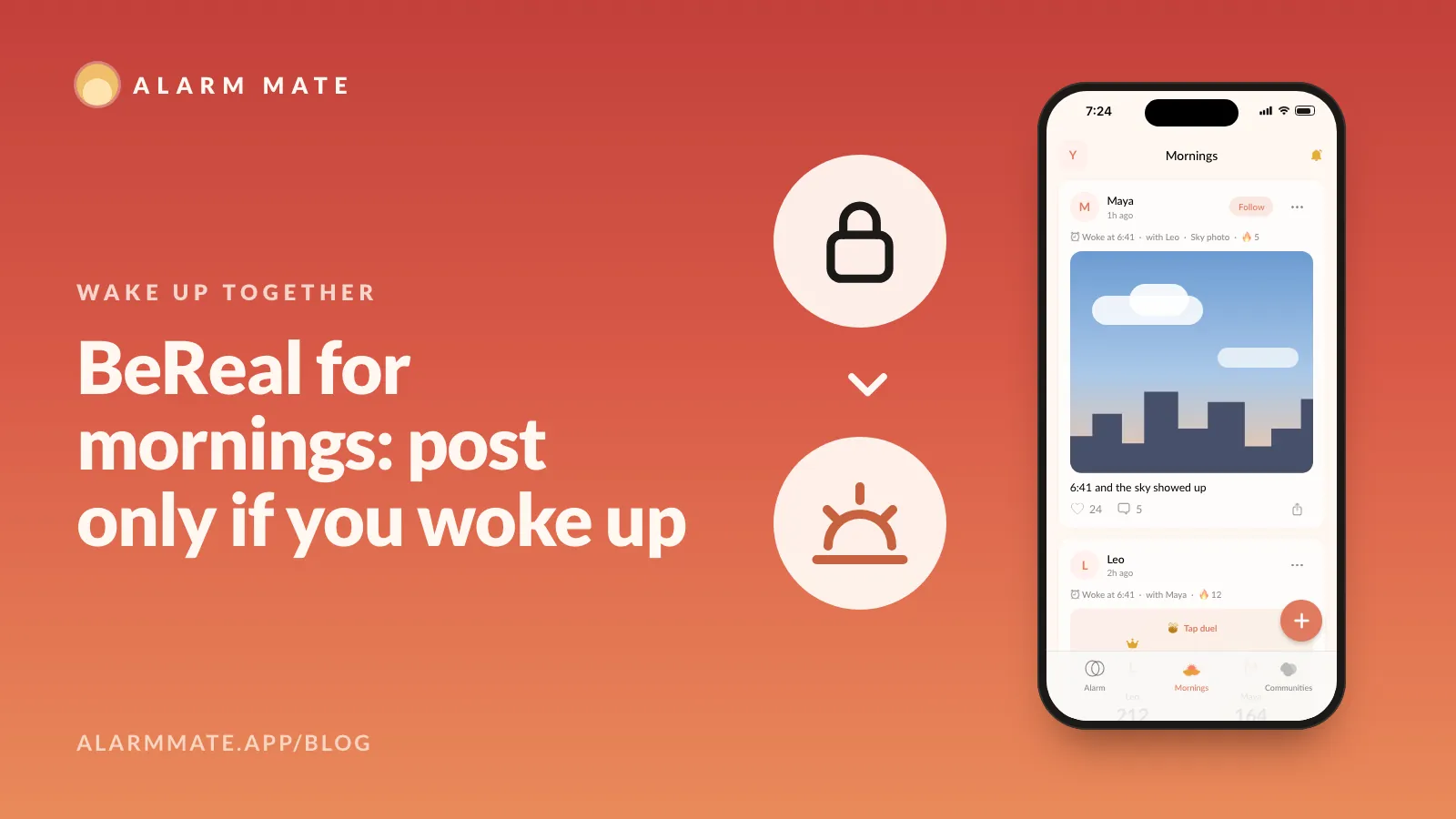
BeReal for mornings: you can only post if you woke up
A feed of how people woke up: push-up videos, sky photos, result cards, streaks. You can only post on a day you actually woke up with the alarm.
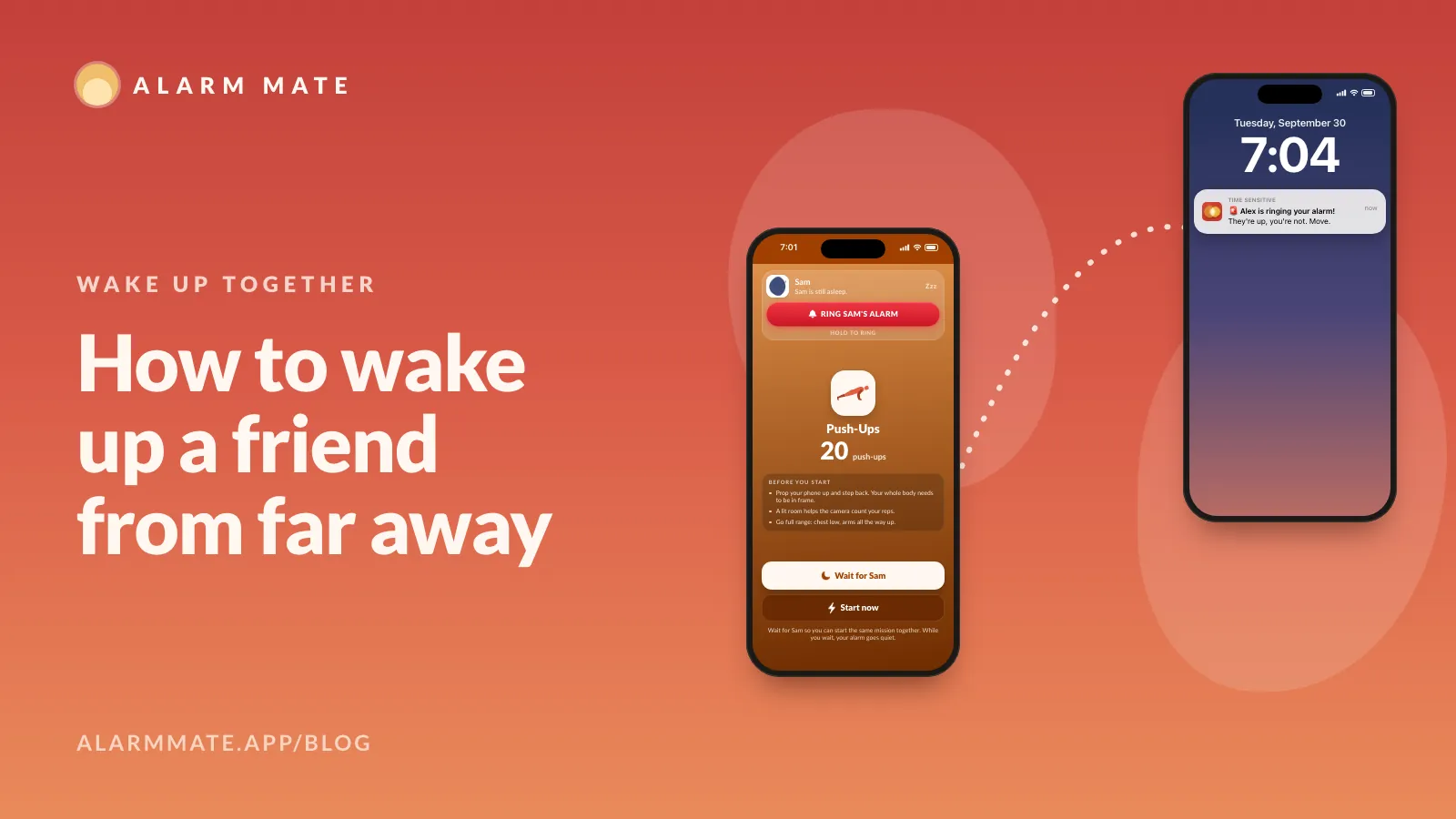
How to wake up a friend from far away
Invite a friend to wake up at the same time, and if they're still asleep when yours rings, ring them once, loudly. How it works and what you need.
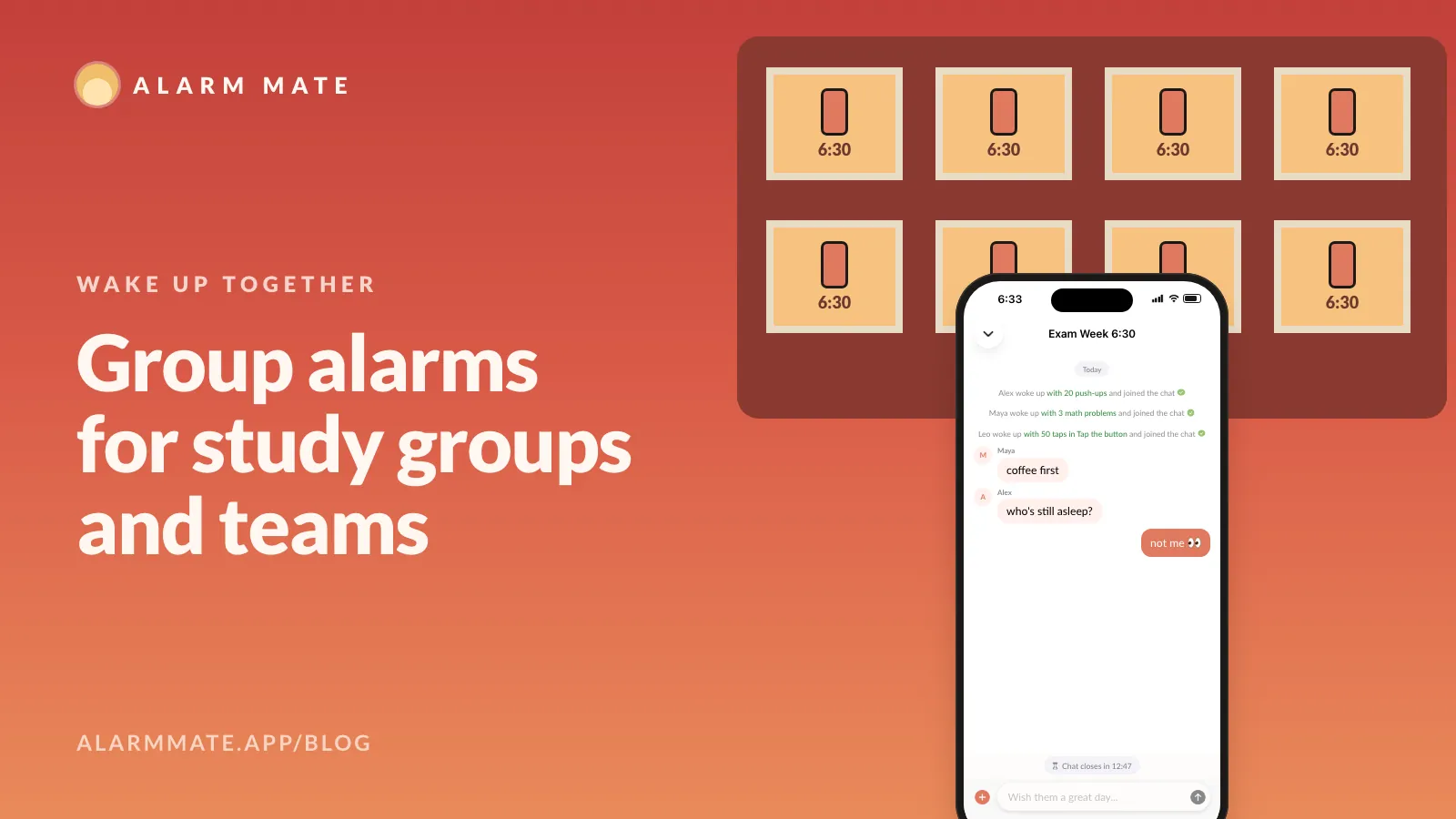
Group alarms: wake up together as a study group or team
Start a group, set the time, days and missions. Everyone's alarm rings at once, each person finishes their own mission, and the chat opens 15 min.
Tomorrow morning, don't do it alone.
Alarm Mate is on the App Store for iPhone. Solo alarms are free, and so is every mission.