Alarm missions explained: 14 ways to prove you're awake
What alarm missions are, why the same one stops working after a week, and how 14 free missions get picked at random each morning on Alarm Mate.
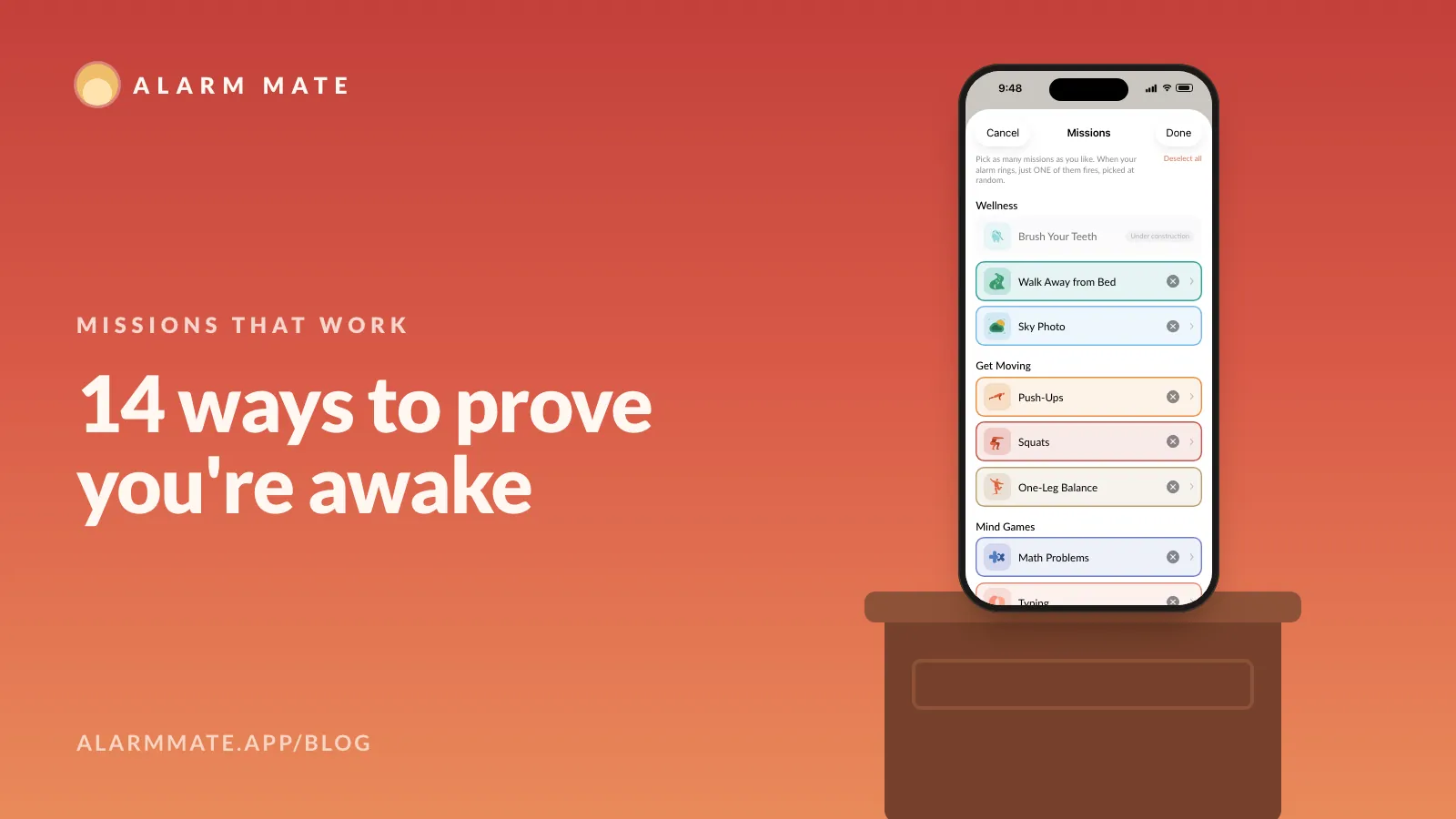
Key takeaways
- An alarm mission is proof you're awake: a task a sleeping person can't fake, and the alarm rings until it's done.
- Alarm Mate has 14 missions in four groups (Wellness, Get Moving, Mind Games, Fun), all free on every tier.
- Users report the same mission every day turning into autopilot, sometimes within a week; no study has tested it yet.
- Pick several missions and one is drawn at random each morning; Surprise me lets any eligible mission come up.
- Set the level you'd finish on a bad day: harder isn't the same as better.
On this page 10 sections
- What an alarm mission is, and why everyone calls it that
- The 14 missions, grouped the way the app groups them
- Which mission for which kind of sleeper
- Why the same mission stops working after a week
- Random pick and Surprise me
- Harder isn’t the same as better
- A mission someone else picks
- Free on every tier
- Where to go next
- FAQ
An alarm mission is proof you’re awake: the alarm asks for something a sleeping person can’t fake, like ten push-ups, a photo of real sky or a solved sum, and keeps ringing until it gets it. A sound can be silenced half-asleep; proof can’t. Alarm Mate is an iOS alarm app with 14 missions, all free, and it picks one of yours at random each morning.
What an alarm mission is, and why everyone calls it that
A normal alarm asks one thing of you: find the button. Your thumb can do that while the rest of you is still negotiating with the pillow.
A mission changes the question from “did something touch the phone?” to “is a person actually up?” The answer has to come from a working brain or a standing body. On Alarm Mate there is no snooze button to hide behind: the only way to stop it is to finish the mission.
“Mission” isn’t our word. People picked it up from Alarmy, whose App Store listing made it the name of the genre, and now they use it everywhere. The other word you hear is “challenge”, as in this Reddit post that sums up the whole category in nine words:
“I need some challenges in the alarm app to wake up”
Why does a task beat a sound? Grogginess right after waking is real and measurable.
A mission’s job is to keep you up for those first minutes, long enough for the fog to lift. We go deeper on that in why you turn off your alarm and don’t remember it.
The 14 missions, grouped the way the app groups them
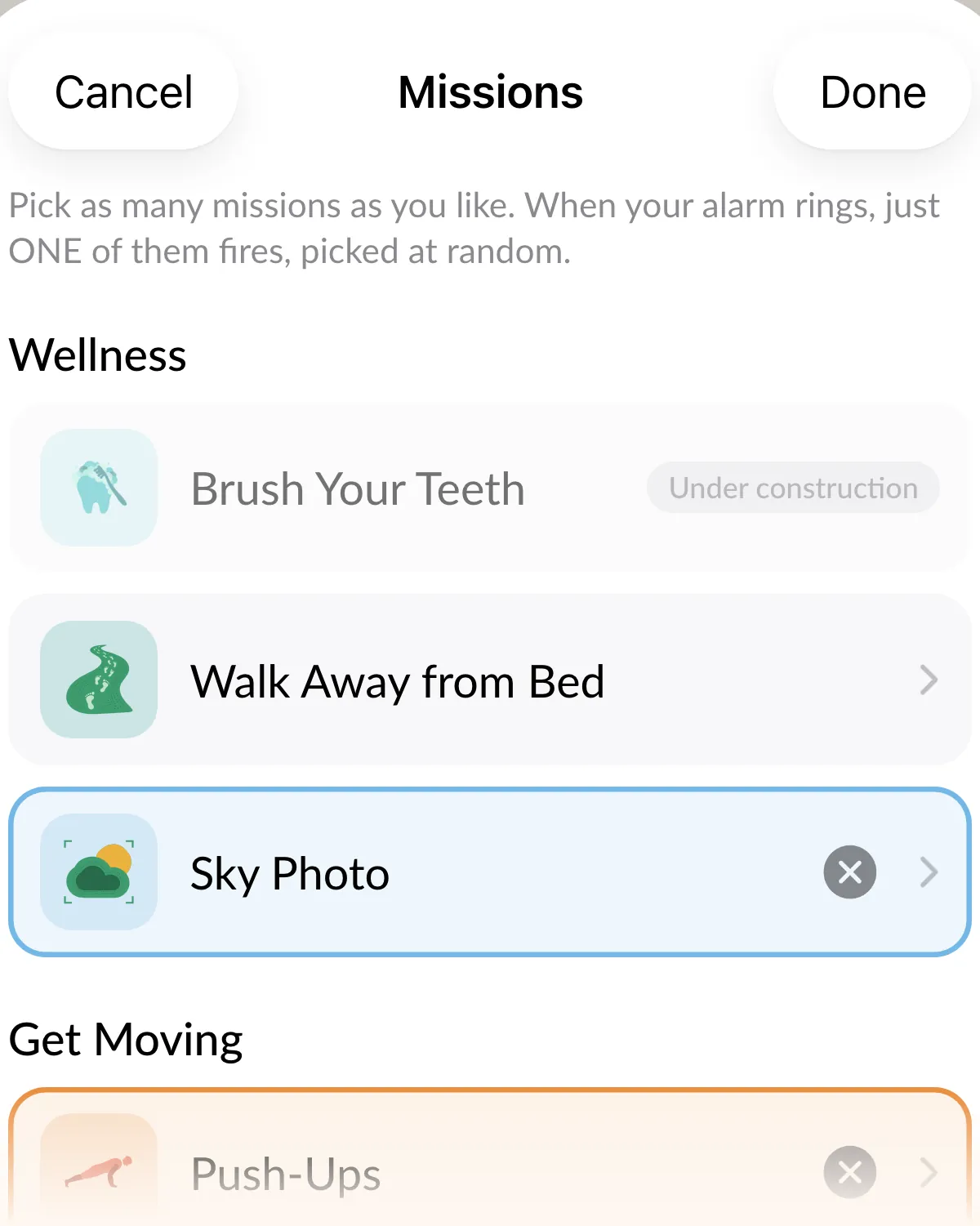
Each mission has its own page with the details, the cheat attempts people have tried, and in some cases a playable demo.
| Group | Mission | What you set |
|---|---|---|
| Wellness | Walk Away from Bed | 3 metres on Easy, 5 metres from Medium up; harder tiers add a 20 or 60 second stay |
| Wellness | Sky Photo | Nothing to set: one 3-second hold on real sky |
| Get Moving | Push-Ups | 5 to 100 reps, in steps of 5 |
| Get Moving | Squats | 5 to 100 reps, in steps of 5 |
| Get Moving | One-Leg Balance | 10 to 60 seconds of hold, in steps of 5 |
| Mind Games | Math Problems | 1 to 10 problems, seven tiers from Very easy to Hell mode |
| Mind Games | Typing | 1 to 10 sentences, four lengths from Easy to Beast |
| Mind Games | Tap the Color | 5 to 100 correct taps |
| Mind Games | Swipe Arrows | 10 to 300 correct swipes |
| Fun | Tap the Button | 50 to 2,000 taps |
| Fun | Shake Your Phone | 50 to 1,000 shakes |
| Fun | Selfie | Nothing to set: your face in frame for 3 seconds |
| Fun | Color Hunt | Nothing to set: find and photograph the color it names |
| Fun | Object Hunt | 1 to 5 household objects |
You may spot a fifteenth row in the app, Brush Your Teeth, greyed out with “Under construction”. It’s off for now, so it isn’t in the table.
Which mission for which kind of sleeper
Start from how you usually beat your alarm, then pick the mission that closes that door. This is our own rule of thumb from building the app, not a study.
- You switch it off lying down and remember nothing. Pick a mission that needs you standing and away from the bed: Walk Away from Bed or Sky Photo. The why is in the sky photo post.
- You get up, feel like a wet towel, and crawl back. Pick movement: Push-Ups, Squats or One-Leg Balance. The research on moving right after waking is in push-ups at 7 am.
- You do the same task on autopilot. Pick missions your hands can’t do alone, like Tap the Color or Typing, and choose several so the draw keeps changing.
- You dread the alarm so much you stop setting it. Pick from the Fun group. Color Hunt or Object Hunt gets you walking around the house, and Tap the Button asks for nothing but a thumb.
- You finish anything and still fall back asleep. No mission fixes that on its own. That’s the case for a buddy who can see you’re still asleep: waking up with a buddy, minute by minute.
Why the same mission stops working after a week
Here is the problem nobody puts in their App Store screenshots. Your brain is a very fast learner, and it is fastest at learning how to get back to sleep.

People describe it with painful precision. One user found the perfect mission, then:
“give it a week and suddenly my half-conscious brain out of the blue rejects it”
Another: “u just autopilot through them and suddenly the whole point is gone” (r/GetOutOfBed). And one r/ADHD user said that months of math missions taught them to do arithmetic without actually waking up (r/ADHD). Which is impressive, and also useless.
The same task, every day, becomes a habit, and a habit can run without you.
Random pick and Surprise me
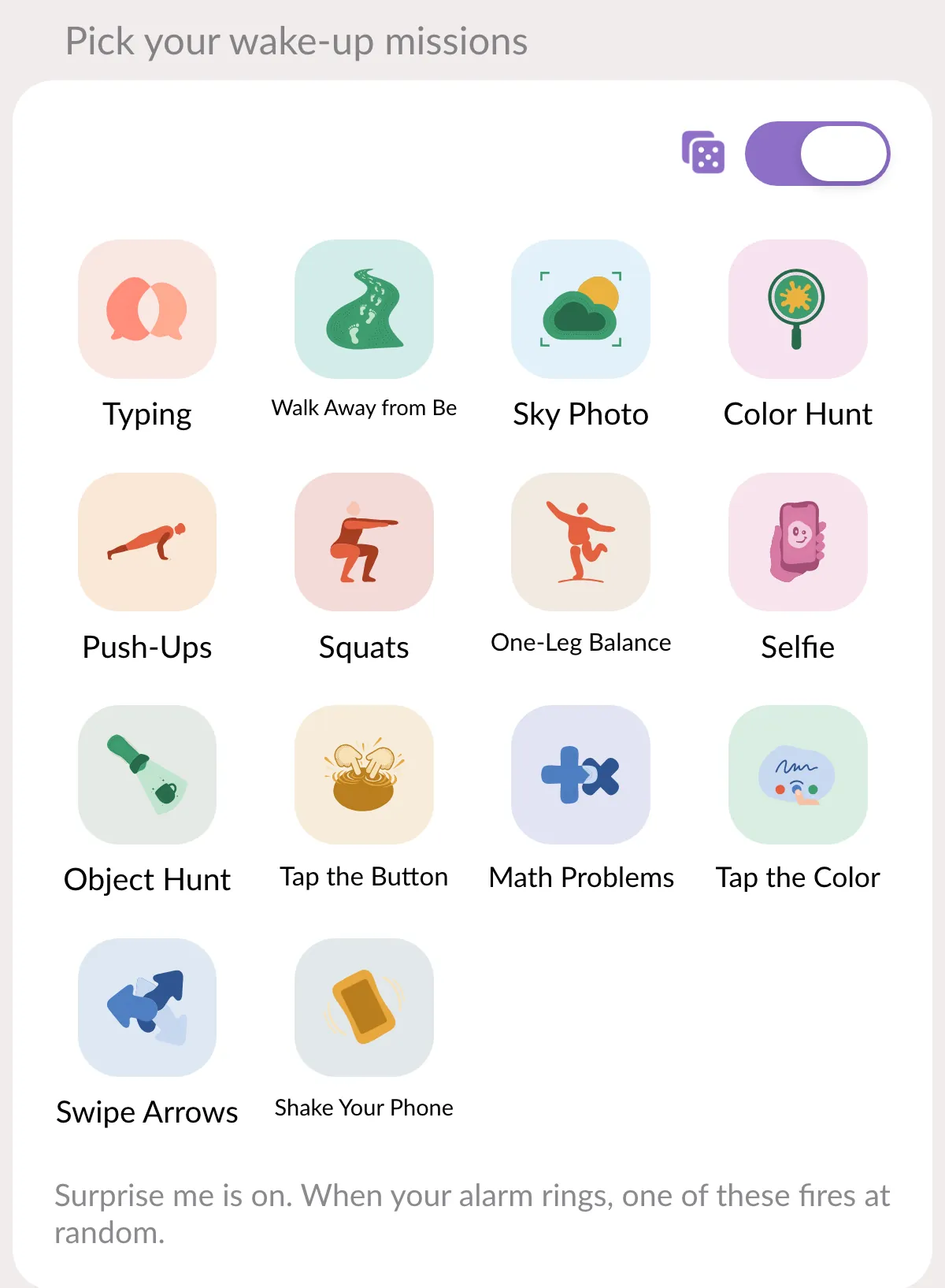
So we built the answer into the alarm form. Pick as many missions as you like; when the alarm rings, one of them is chosen at random. Tomorrow’s version of you can’t rehearse today’s.
If you want the full chaos, turn on “Surprise me” and any eligible mission can come up. You go to bed not knowing whether the morning wants 20 squats or a photo of something purple.
Harder isn’t the same as better
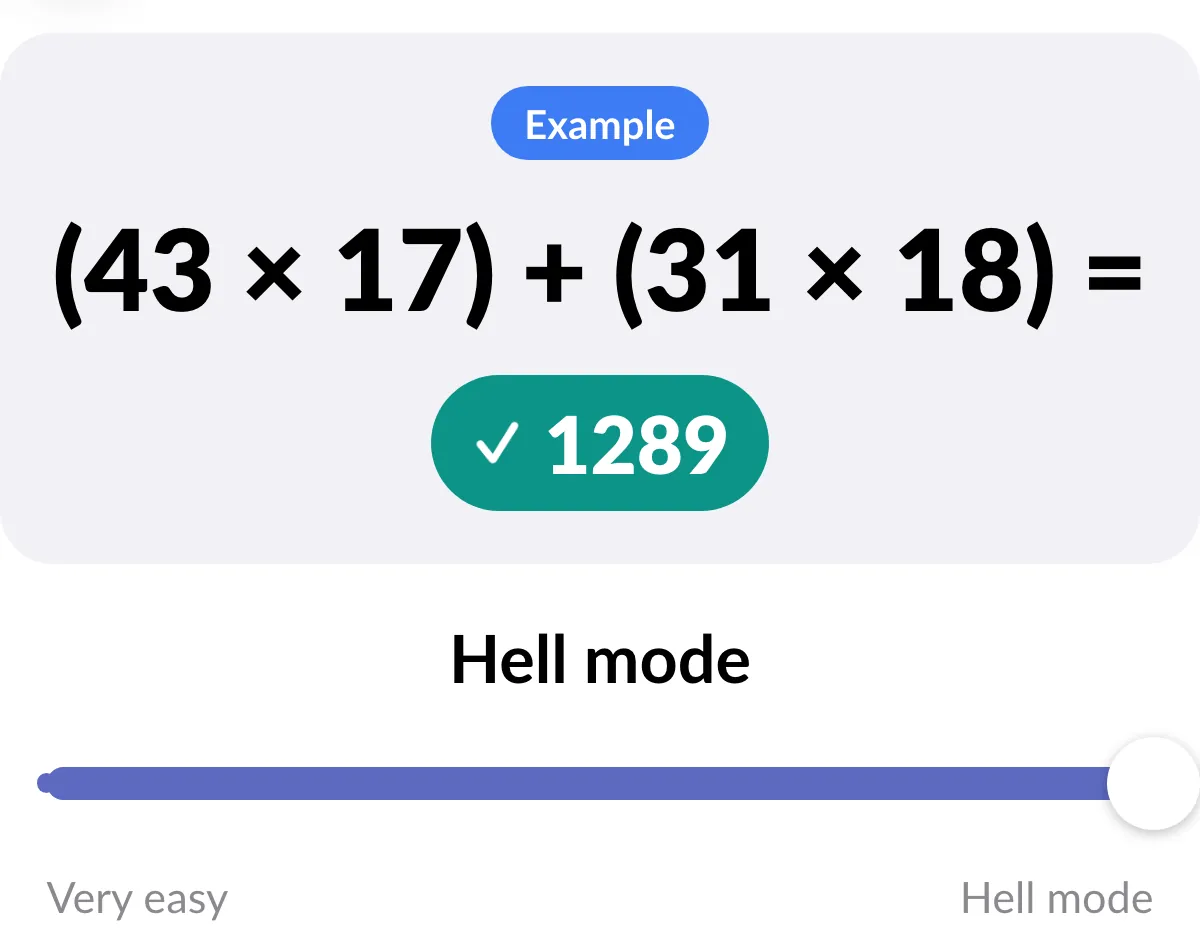
Every mission has a dial, and the temptation at 11 PM is to crank it. Math goes from Very easy (think 7 + 4) to Hell mode (think 43 x 27 + 31 x 18). Push-ups go all the way to 100.
Night-you is brave. Morning-you pays the bill. One person described a hard Alarmy puzzle like this:
“6 am sobbing in terror and frustration trying to wake up enough to figure out wtf the game wanted”
That isn’t waking up. That’s a hostage situation. What works better in our experience is variety at a level you’ll actually finish:
- Pair one movement mission with one mind mission, and let the random pick choose.
- Set the number you’d do on a bad day, not a good one. Ten push-ups done beats 100 set and dreaded.
- Change your list every couple of weeks, before the autopilot sets in.
The movement side has some real research behind it, which we cover in push-ups at 7 am. The walking-and-daylight side is in why a sky photo mission gets you out of bed.
A mission someone else picks
Every mission alarm we’ve read about is single-player: you choose your own punishment, at night, when you’re feeling generous. Alarm Mate lets someone else choose it.
- One friend picks. Share a link and a friend chooses your mission from your list, and how hard: Normal, Hard or Brutal. They don’t need the app or an account, and you don’t find out what they picked until the alarm rings. That’s let a friend pick your alarm, and yes, they will pick the push-ups.
- People vote. Same link, but your followers vote on the mission and the difficulty, and the most-voted mission wins. Voting closes 10 minutes before the alarm. The creator version is in let your followers vote on how you wake up.
- Your buddy picks. On a Match or Friends alarm, turn on “Let your buddy pick your wake-up” and the person waking up with you chooses from the missions you selected.
This is also the best cure for autopilot we know of. You can learn your own habits; you can’t learn someone else’s sense of humor.
Free on every tier
Every mission is free, on every account. The app says it in one line: “Solo alarms and every mission stay free.”
That’s less common than it should be: most mission alarms keep something behind a subscription, either the harder missions or the whole app. We went through them one by one in Alarmy alternatives.
Premium ($3.99 a month or $29.99 a year, no trial) changes other things: unlimited buddy matching, unlimited communities, and a streak multiplier on your XP. It never changes which mission you can pick. If you’re curious what streaks and XP actually do for you, that’s in do streaks and XP actually help you wake up?
Where to go next
- Movement: Push-ups at 7 am: what exercise does to morning grogginess
- Getting vertical: Why a sky photo mission gets you out of bed
- Mind games and memory: Why you turn off your alarm and don’t remember it
- Streaks and XP: Do streaks and XP actually help you wake up?
- Why it keeps ringing: The alarm you can’t snooze or turn down
- The evil option: Let a friend pick your mission
If you want to try the random draw on yourself, Alarm Mate is on the App Store.
FAQ
Are all missions free?
Yes. Every mission is free on every tier, and solo alarms are free too. Premium is about matching, communities and streak perks, never missions.
What happens if I pick several missions?
When the alarm rings, one of them is chosen at random and that’s the one you do. Turn on Surprise me and any eligible mission can come up.
Can I cheat the typing mission?
Not by mashing keys. It compares what you typed against the sentence word by word, so random letters get you a phone that’s still ringing.
It does forgive capitals, commas and double spaces. The words have to be right; everything around them is let off.
Sources
- Hilditch CJ, McHill AW. “Sleep inertia: current insights.” Nature and Science of Sleep 11 (2019): 155-165. doi.org/10.2147/NSS.S188911
- Alarmy App Store listing. apps.apple.com
- Reddit threads quoted: r/androidapps 1m40stw, r/adhdwomen 16sah1j, r/GetOutOfBed 1syssxn, r/ADHD t9251f
Related posts
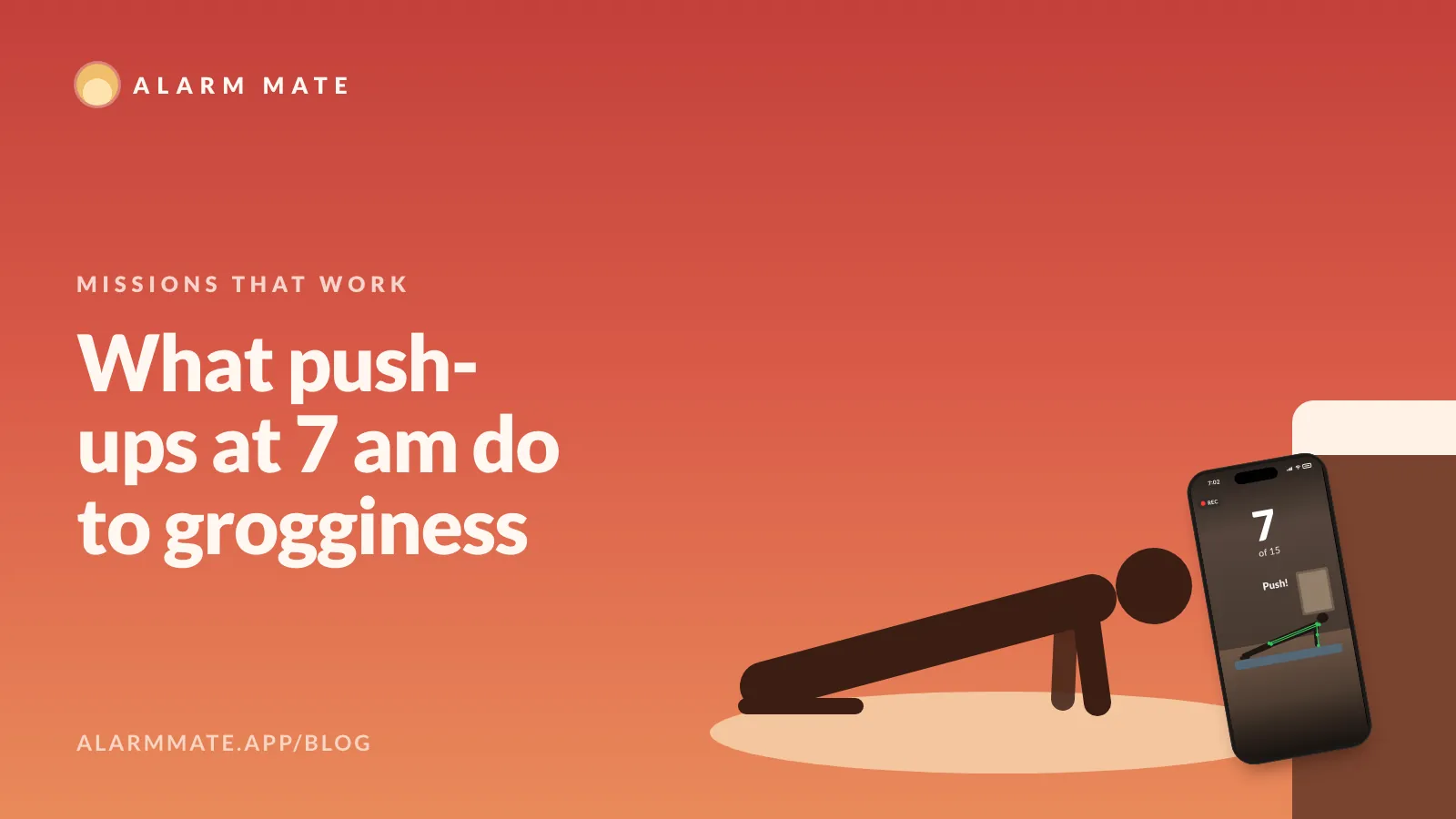
Push-ups at 7 am: what exercise does to morning grogginess
Two lab studies tested exercise right after waking. One made people feel less sleepy; one also sharpened reactions. What that means for push-up alarms.
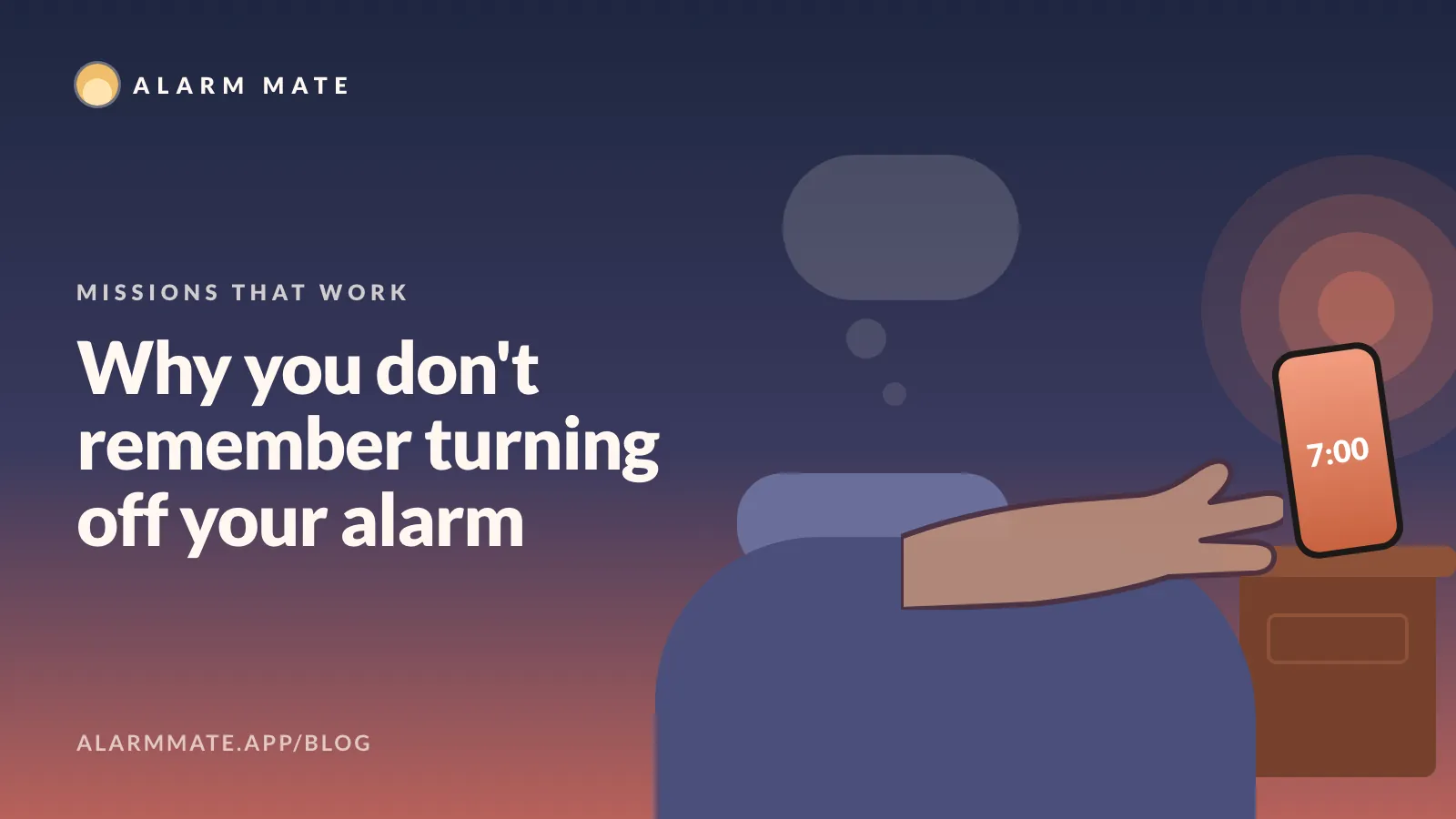
Why you turn off your alarm and don't remember it
You probably did wake up. A 1997 sleep study shows how the memory can vanish when you fall back asleep, and which alarm tasks keep you up long enough.
Tomorrow morning, don't do it alone.
Alarm Mate is on the App Store for iPhone. Solo alarms are free, and so is every mission.